Group 8 Job Editor Page 73
JET3up Release R1.06
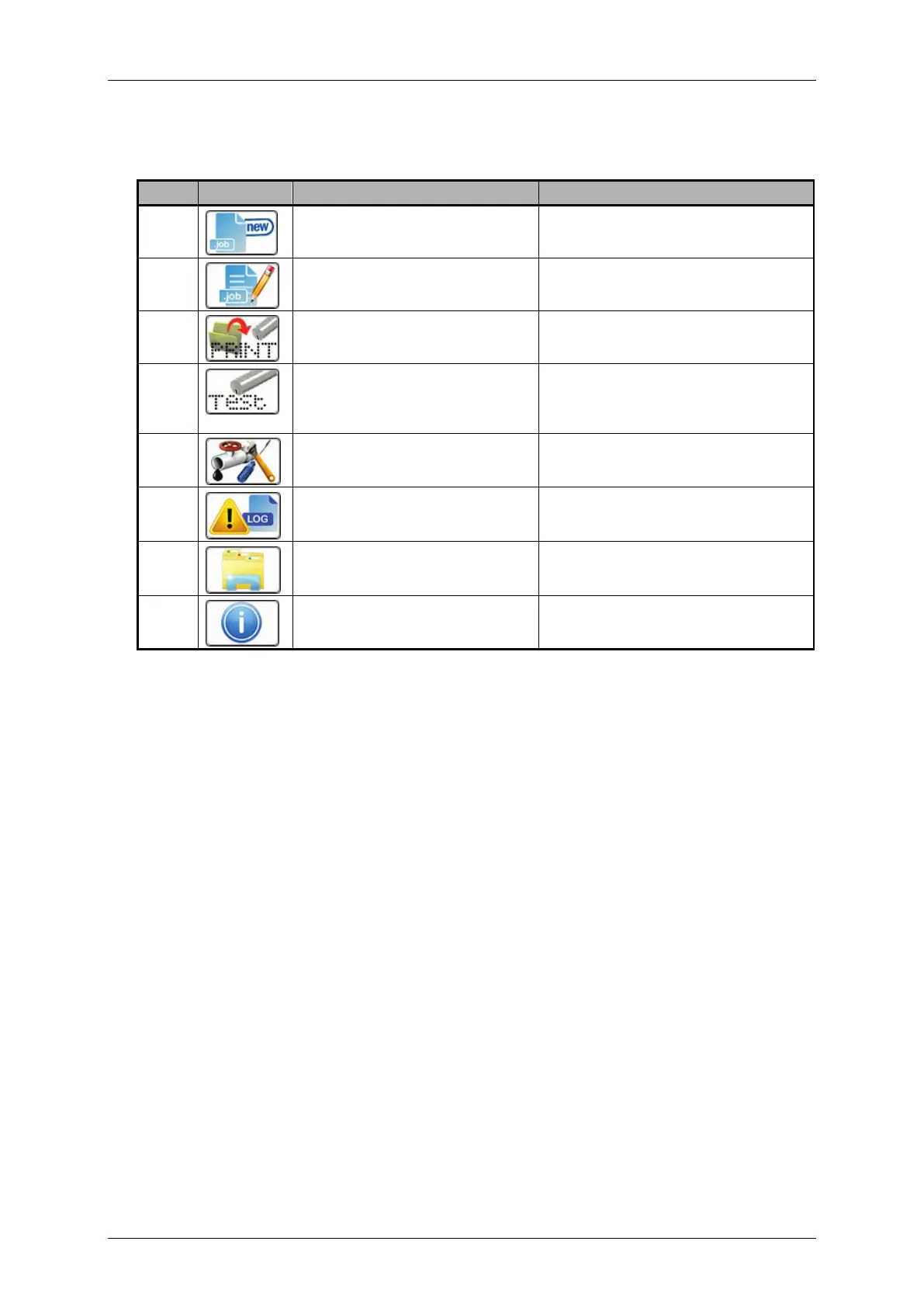
Direct buttons (3): Several menus or submenus of the JET3up can be accessed with
these shortcuts. The following list show the default direct buttons:
Pos. Button Function-/menu designation Comment
Starts job editor with a new
print job
Starts job editor with the
current print job.
<Open file> dialog box pops
up
Loads the <Test print> job.
See chapter 6.4
and printer operation for details
Hydraulic/Printhead test and
maintenance menu
The <Hydraulic/Printhead>
dialog box pops up.
The <Data logging> dialog box
pops up.
The <Explorer> dialog box
pops up.
System information menu pops
up.
There are several more <Direct buttons> (shortcuts) available. Please see chapter
7.3.4 Menu Shortcuts for details about the configuration of these shortcuts.
WYSIWYG display and print preview (4): The preview shows the currently loaded
print job in “What you see is what you get” mode.
<Printing speed> indicator or <Products per minute> indicator(5): this indicator
shows either the current printing speed or how many products are currently printed
per minute. Depending on the selected adjustments in the basic settings the speed is
displayed as. m/min or inch/min. The products per minutes are calculated on the
basis of 2-second measuring intervals during which the PrintGo signals are counted.
The displayed speed is an average value of all values calculated within the last 60
seconds. Therefore it may take up to 1 minute until a stable value is reached. The
calculation is restarted with each Print Start command. The dimensions of the
measurement are changed by a click on the icon. The standard display has the
dimensions meter/min or ft per minute depending on the <Basic Settings> for
dimensions. This setting can be changed in the <Settings> - <Basic Settings> -
<Factory settings>
<Time/Date> indicator (6): Shows the current time and date. The <Time/Date> is
set in the dialog box <Settings> - <Basic settings> - <Date/Time>
<Off/Shut down> button (7): A click on this button will shut down the printer.
Please see chapter 6.5.4 Switch off device



 To Next Page