Rev.1
Page 1-
37
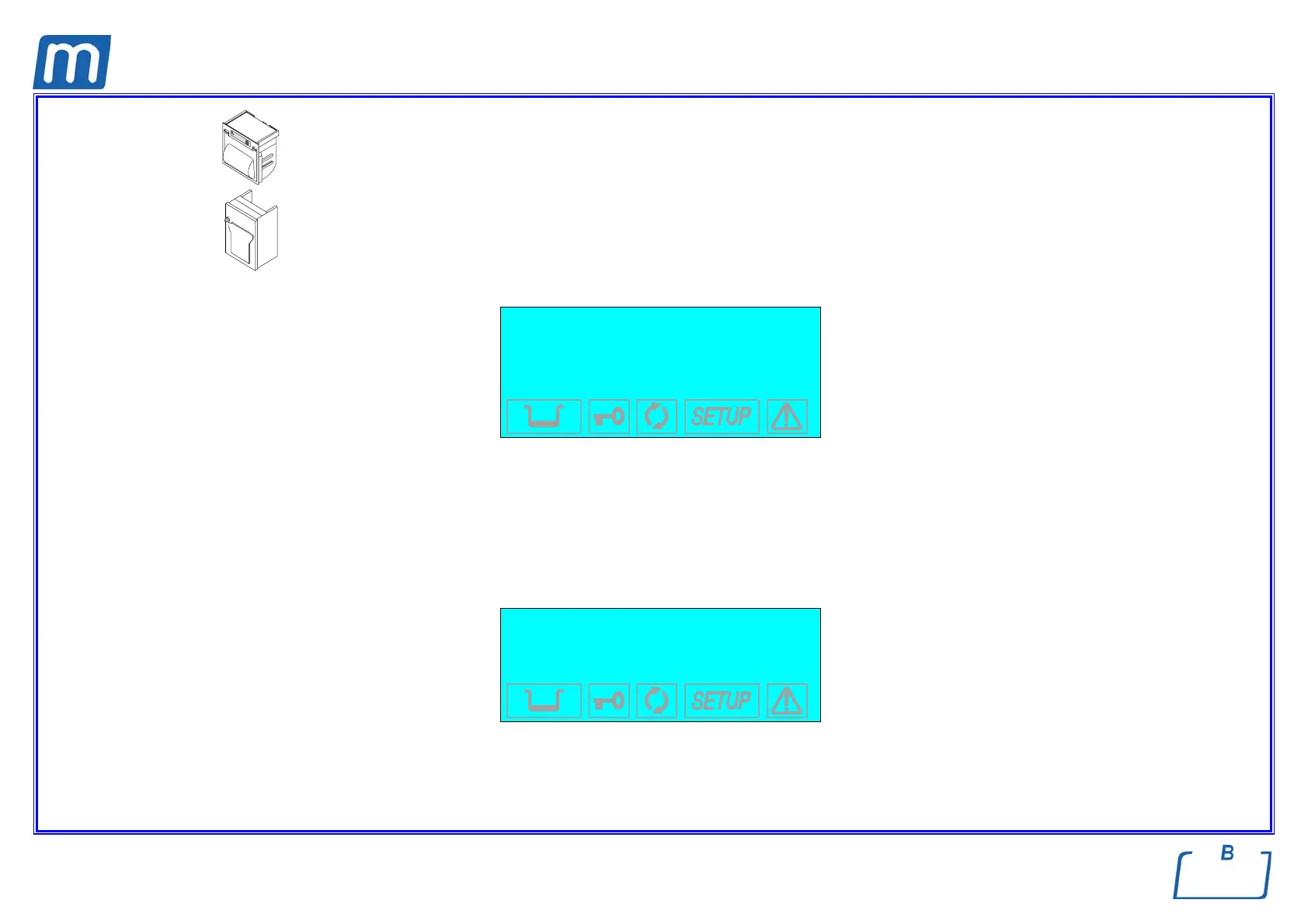
Select Type 1 for the model 1 of the printer installed.
Select Type 2 for the model 2 of the printer installed.
If, on the other hand, you choose EXTERNAL, the data will be printed on an external peripheral. Following this selection, another menu
opens:
→ CR TYPE +
CR+LF TYPE ↑
CR (+FF) TYPE ↓
CR+LF (+FF) TYPE -
EXIT
Activate CR to use printers that advance the paper only on the CR (Carriage Return) command, or CR+LF for that require the CR+LF
(Carriage Return + Line Feed) commands, or with +FF (Form-Feed) for printers that require the addition of this command.
e Consult the printer manual to determine the type of command used. If this information is not available, try printing with the various options
to identify the correct setting.
b) Item REPORT
The following screen appears:
→ PRINTOUT MODE +
NR. COPIES ↑
PRINT LAST ↓
EXIT -



 To Next Page