Select [On1], [On2], or [On3] using the FG buttons and
press the OK button.
K
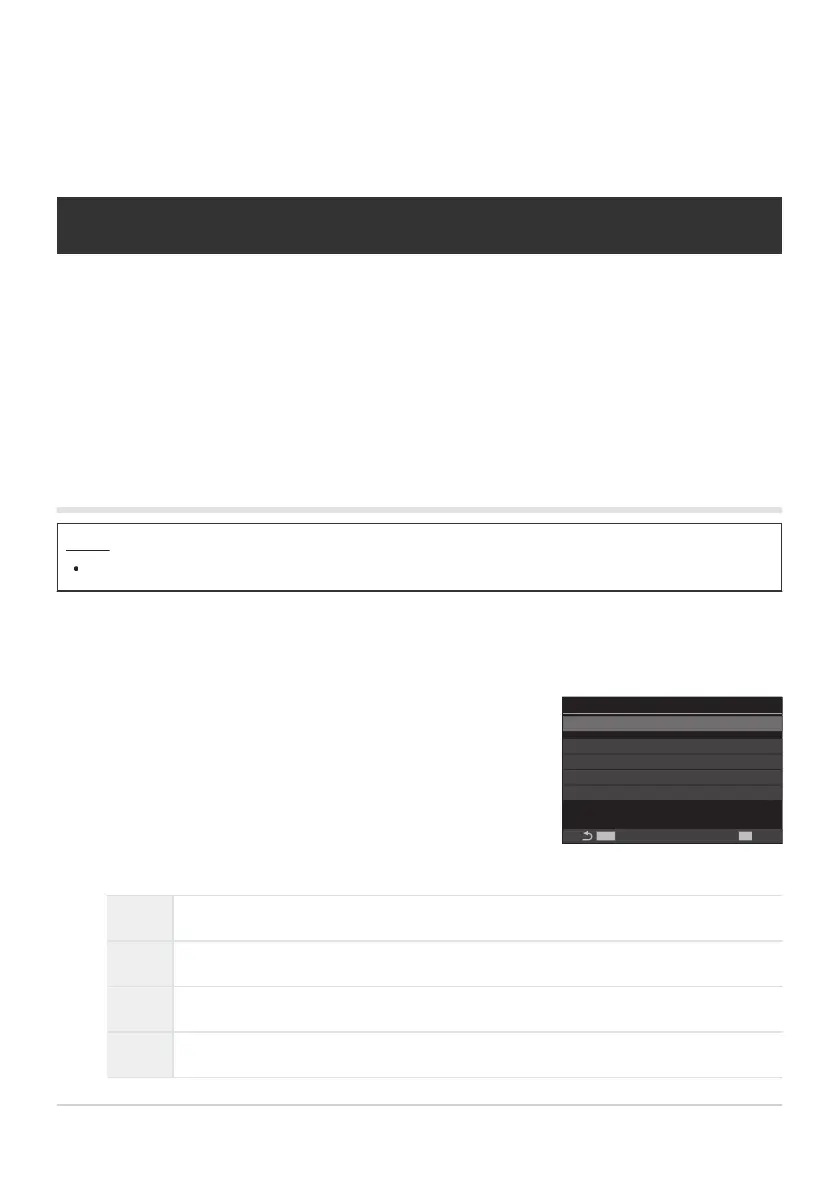
AF Limiter
AF Limiter
MENU
OK
Distance for On1 5.0~999.9m
Distance for On2 10.0~999.9m
Distance for On3 50.0~999.9m
Release Priority On
Off
KAF Limiter setting screen
Functions for changing camera
operation regarding focus
Lens Focus Range (KAF Limiter)
Choose the range in which the camera will focus using autofocus. This is effective in situations in which
an obstacle presents itself between the subject and the camera during the focus operation, causing
drastic changes in focus. You can also use it to prevent the camera focusing on foreground objects
when shooting through a fence, window, or the like.
Using the settings saved in [AF Limiter]
Menu
MENU U AF U 4. AF U KAF Limiter
Highlight [AF Limiter] using the FG buttons and press the OK button.
Off The camera does not use the saved range of focusing distances.
On1 The camera uses the range saved in [Distance for On1].
On2 The camera uses the range saved in [Distance for On2].
On3 The camera uses the range saved in [Distance for On3].
129
Lens Focus Range (KAF Limiter)
1.
2.


 To Next Page
 Loading...



