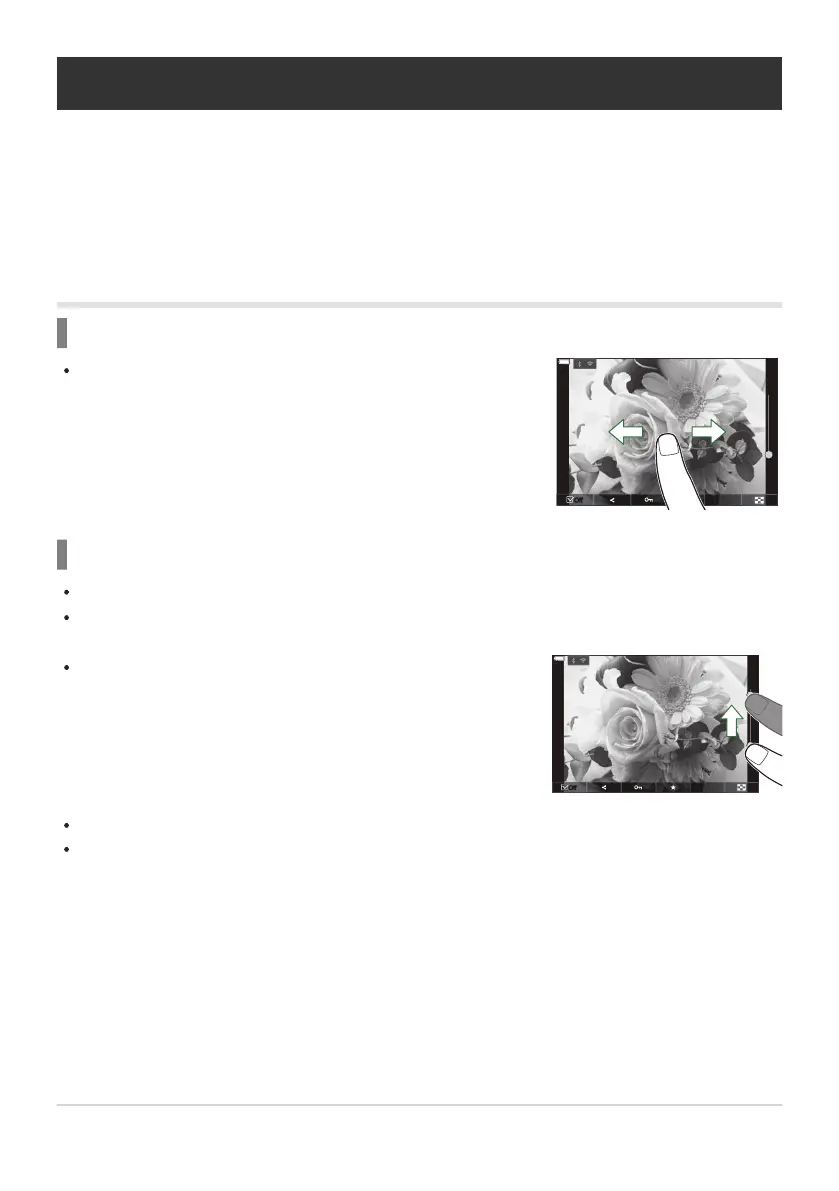
Slide your finger to the left to view the next image, and right to
view the previous image.
Slide the bar up or down to zoom in or out.
Playback Using Touch Controls
Use touch controls to zoom pictures in and out, scroll pictures, or choose the picture displayed.
Do not tap the display with your fingernails or other sharp objects.
Gloves or monitor covers may interfere with touch screen operation.
Full-frame playback
Displaying the previous or next image
Magnify
Lightly tap the screen to display the slider and P.
Lightly tap the screen twice to magnify the image at the ratio specified in [q8Default Setting]
(P.329).
Slide your finger to scroll the display when the picture is zoomed in.
Tap P to display index playback. Tap L for calendar playback.
299
Playback Using Touch Controls
C
C


 To Next Page
 Loading...



