To enable the shutter button for bulb photography or the like,
slide the shutter button lock up.
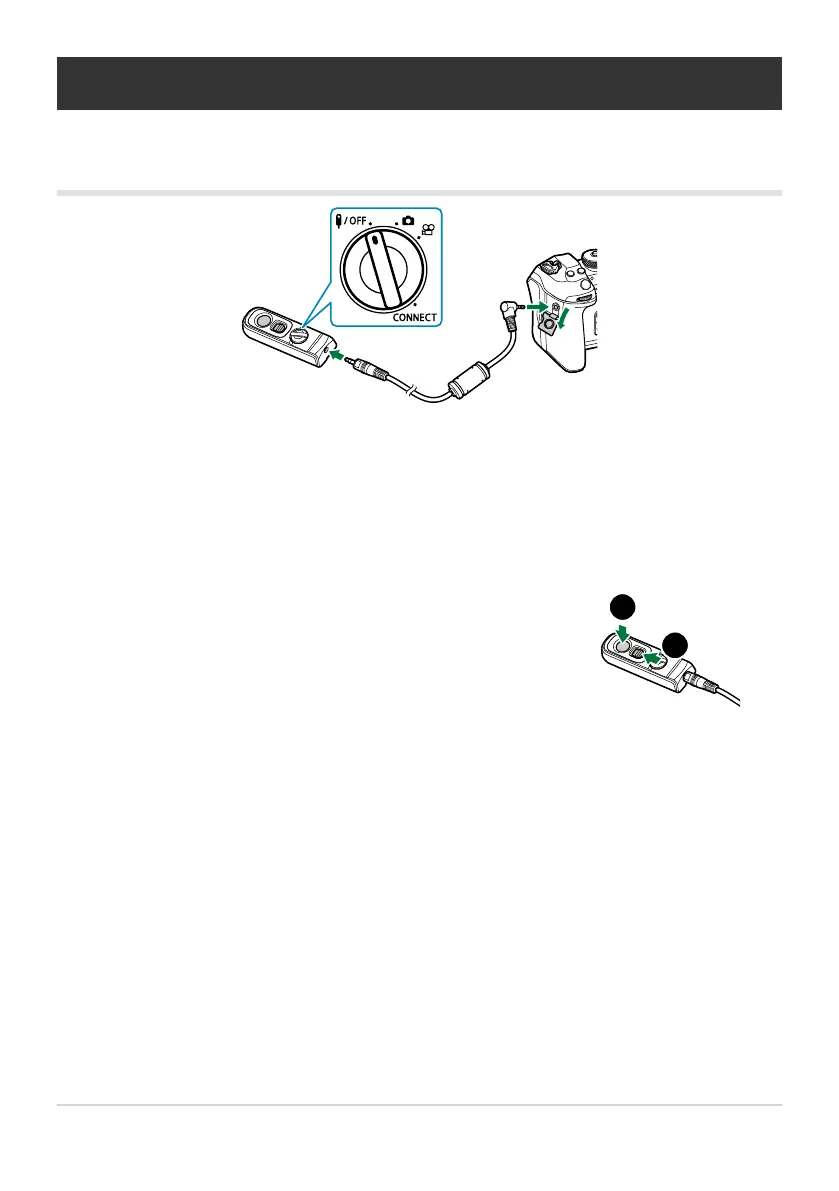
Connection
Wired connection
Rotate the mode dial of the remote control to 4 and connect the remote control to the camera
via the supplied cable.
Photographs can be taken by pressing the shutter button.
Before recording movies, select [RREC] for [nShutter Function]. g“Recording a movie by
pressing the shutter button (nShutter Function)” (P.345)
Wireless remote control is not available while the cable is connected.
454
Connection
C
B


 To Next Page
 Loading...



