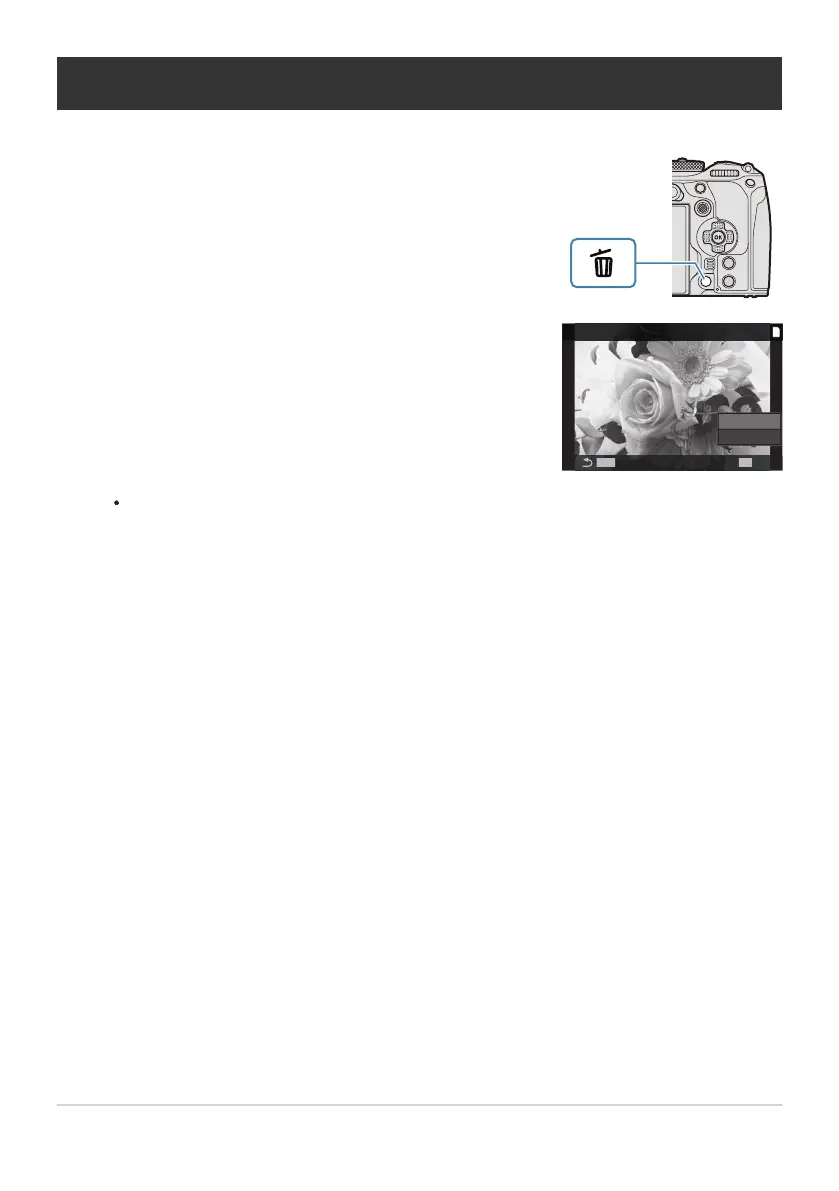
Display an image you want to delete and press the D button.
Highlight [Yes] and press the OK button.
Deleting Pictures (Erase)
The image will be deleted.
You can erase images without the confirmation step by changing the button settings.
g“Disabling Deletion Confirmation (Quick Erase)” (P.308)
You can choose whether deleting pictures recorded in RAW+JPEG image quality modes deletes
both copies, only the JPEG copy, or only the RAW copy. g“RAW+JPEG Deletion Options
(RAW+JPEG Erase)” (P.309)
306
Deleting Pictures (Erase)
1.
2.
C
B


 To Next Page
 Loading...



