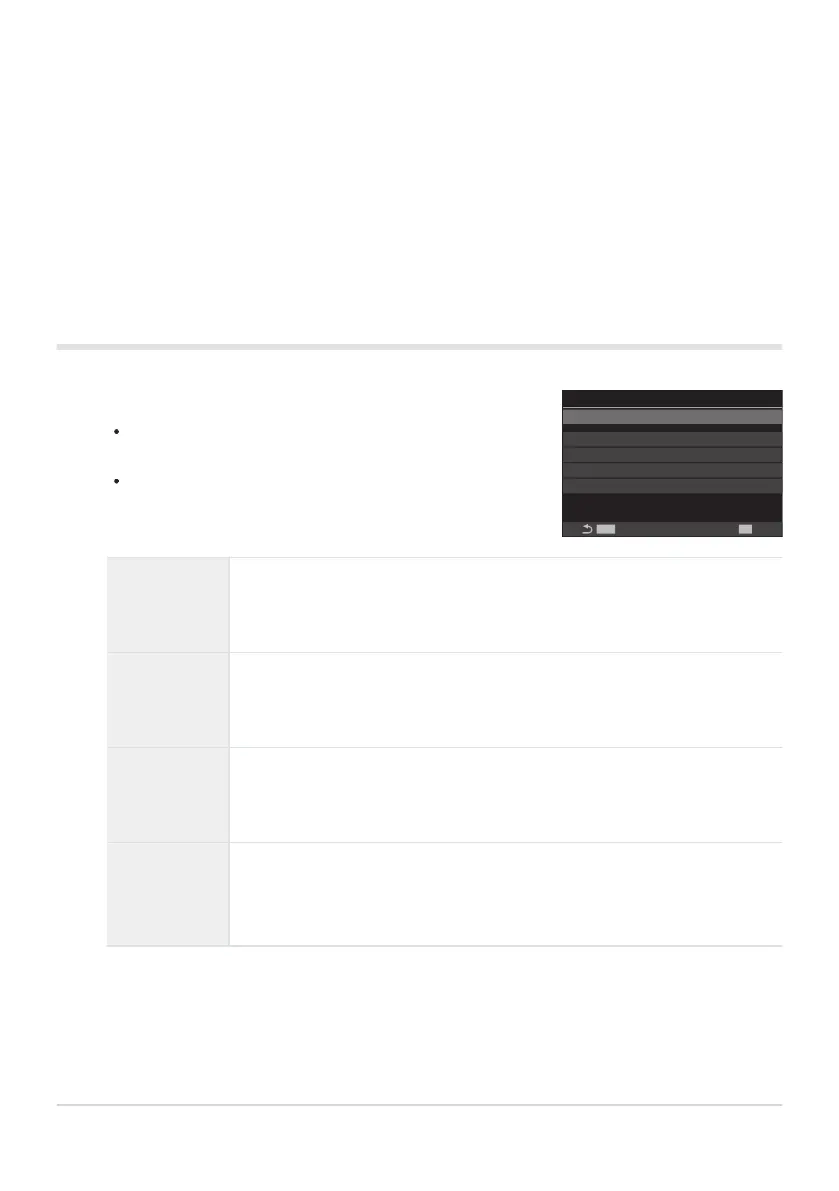
Configure options.
Press FG to select an item and press the OK button to
display the setting menu.
Press the OK button again to return to the KAF Limiter
setting screen.
MENU
OK
On1
K
AF Limiter
AF Limiter
Distance for On1 5.0~999.9m
Distance for On2 10.0~999.9m
Distance for On3 50.0~999.9m
Release Priority On
Return to the KAF Limiter setting screen.
AF Limiter is not available in the following cases.
When the focus limiter is enabled on the lens
When using focus bracketing or focus stacking
While in the movie mode or recording a movie
When [RAF] or [RAFJ] is selected for focus mode
Configuring [AF Limiter]
Distance for
On1
Set the range of focusing distances to be used when [On1] is selected.
Change the number with FG. Use HI to move between digits.
[000.0] – [999.9m/ft]
Distance for
On2
Set the range of focusing distances to be used when [On2] is selected.
Change the number with FG. Use HI to move between digits.
[000.0] – [999.9m/ft]
Distance for
On3
Set the range of focusing distances to be used when [On3] is selected.
Change the number with FG. Use HI to move between digits.
[000.0] – [999.9m/ft]
Release
Priority
[Off]: Complies to the [Release Priority] (P.118) setting.
[On]: The shutter can still be released if the camera is unable to focus when
a setting other than [Off] is selected for [AF Limiter].
The figures displayed in [Distance for On1] – [Distance for On3] are intended as guides
only.
130
Lens Focus Range (KAF Limiter)
3.
C
-
-
-
-
1.
C


 To Next Page
 Loading...



