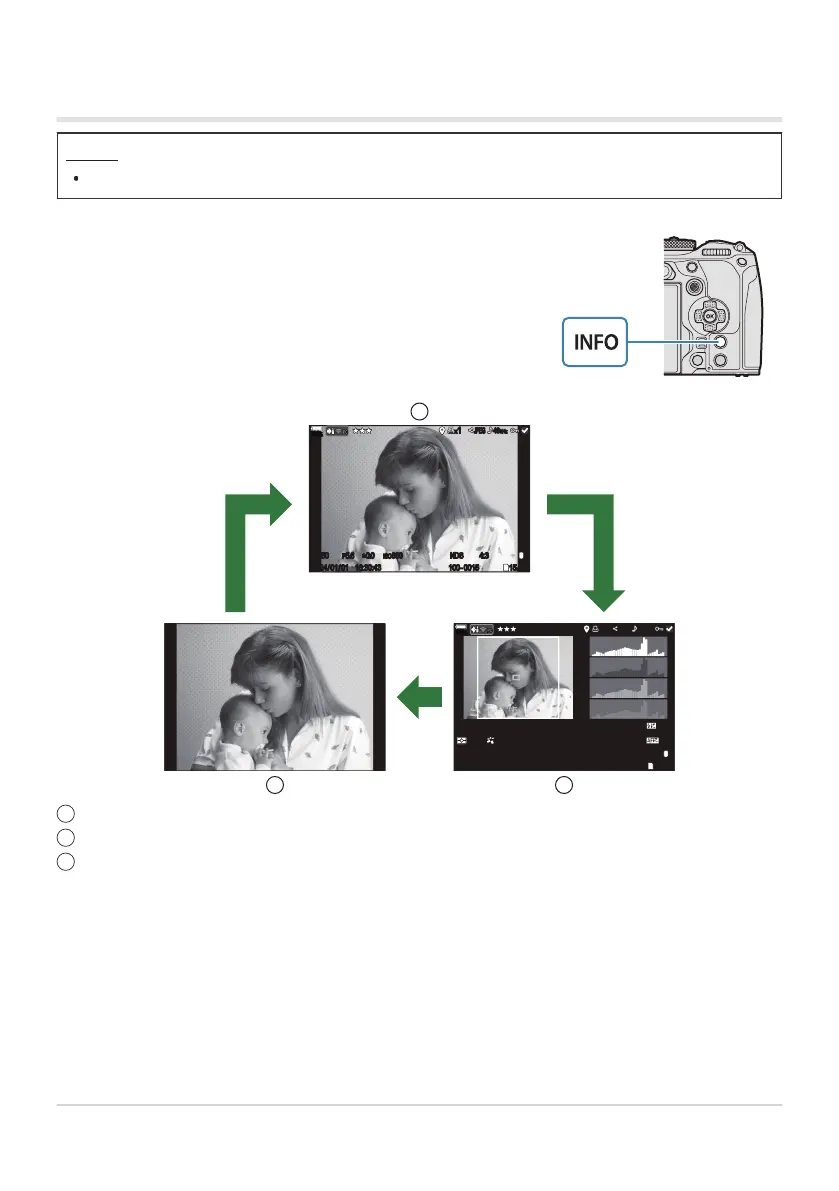
You can switch the information displayed during playback by
pressing the INFO button.
Switching the information display
Button
INFO button
INFOINFO
INFO
1
L
100
%
x1
JPEG
48
kHz
100-0015
ND
8
4:3
15/30
F
1/250
2024/01/01 16:30:43
F5.6
ISO
800
±
0.0
1
L
P
PC
100
%
x1
JPEG
48
kHz
ISO
800
±
0.0
F5.61/250
2024/01/01 16:30:43
100-0015
ND
81/8
4:3
15/30
5184x388840mm
CWB
5400K A4 G4
-
18
+
0.3
SRGB
F
3
1
3 2
Basic
Overall
Image only
Choose the information to display. g“Choosing the information displayed during playback
(qInfo Settings)” (P.331)
293
Information display during playback
1
2
3
B


 To Next Page
 Loading...



