Hold the F button and rotate the front or rear dial.
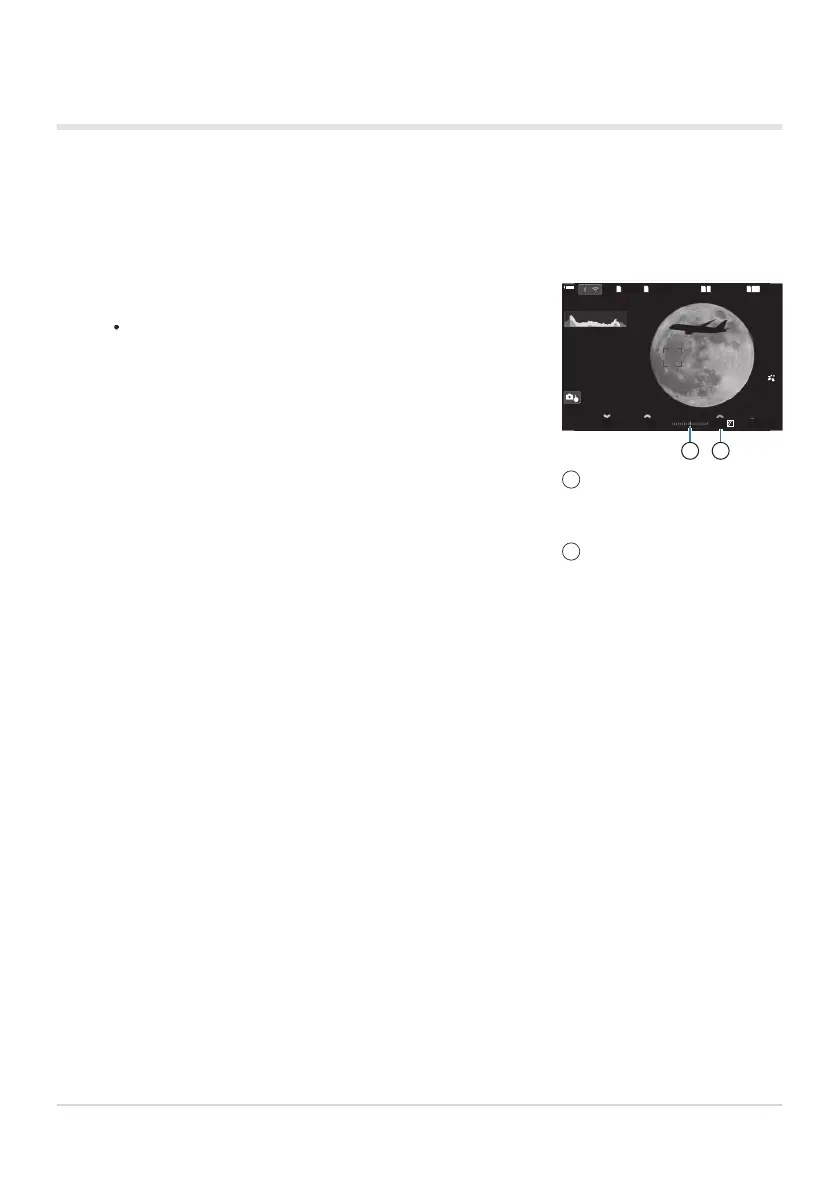
Exposure compensation is added to the exposure difference
shown in the display.
BKTBKT S
-
OVFS
-
OVF
00
+
-
0.00.0
MM
1
10231023
1
/
2501
/
F
250 5.65.6
1
1
[
1
:
02
:
03
][
1
:
02
:
03
]
FF
60p60p L
-
8L
-
8
S
-
AFS
-
AF
33
L
1
4K
F
100
%
100
%
200200
ISO
Auto
ISO
Auto
21
Difference from the
exposure setting value with
compensation value added
Exposure compensation
value
1
2
Using Exposure Compensation in Mode M
In mode M, exposure compensation is available when [Auto] is selected for [KISO]. Because
exposure compensation is performed by adjusting ISO sensitivity, aperture and shutter speed are
not affected. g“Changing ISO sensitivity (ISO)” (P.166), “Setting the range of ISO sensitivity values
selected in [Auto] mode (KISO-A Upper/Default / bISO-A Upper/Default)” (P.169)
67
Choosing aperture and shutter speed (M: Manual
Exposure)
1.


 To Next Page
 Loading...



