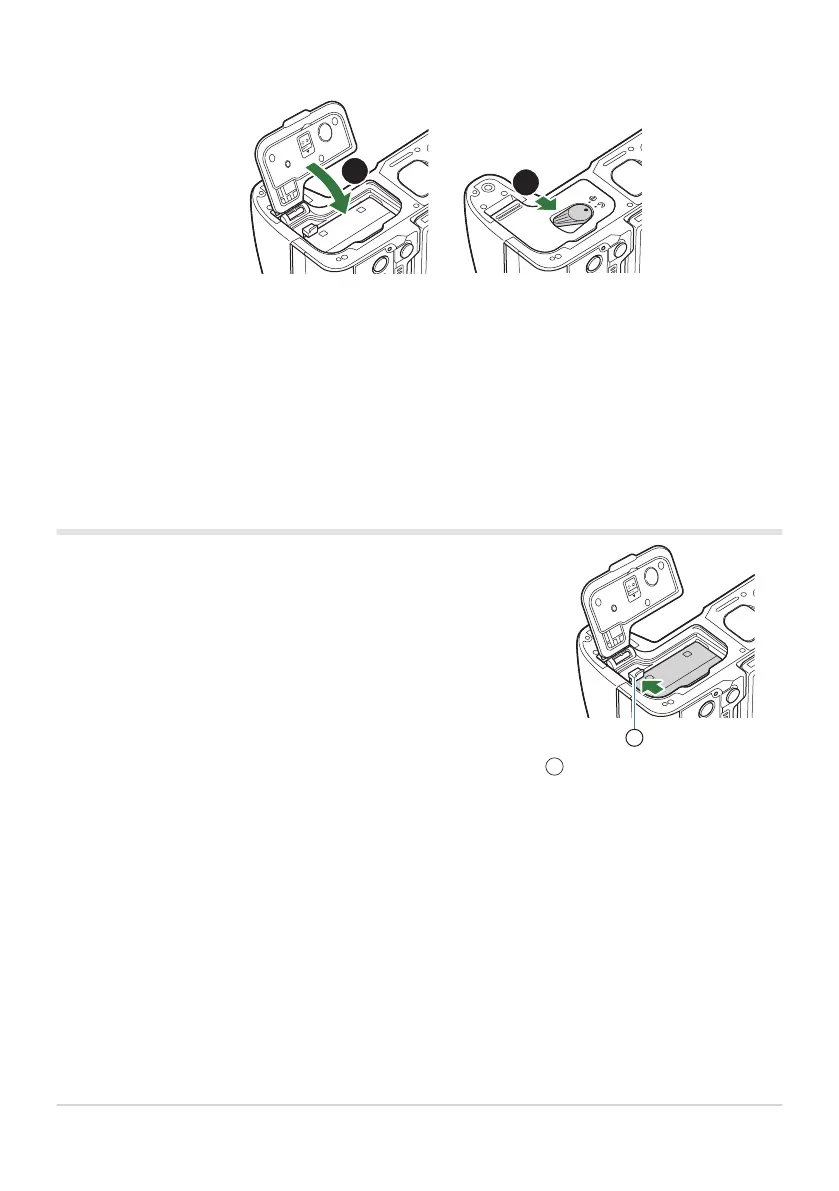
Turn off the camera before opening or closing the battery
compartment cover. To remove the battery, first push the battery
lock knob in the direction of the arrow and then remove.
Battery lock knob
1
Close the battery compartment cover.
Be sure the battery compartment cover is closed before using the camera.
It is recommended to set aside a backup battery for prolonged shooting in case the battery in use
drains.
See also “Batteries” (P.472).
Removing the battery
Contact an authorized distributor or service center if you are unable to remove the battery. Do not
use force.
Never remove batteries or memory cards while the card write indicator (P.44) is displayed.
29
Inserting and removing the battery
4.
C
B
B
C
C


 To Next Page
 Loading...



