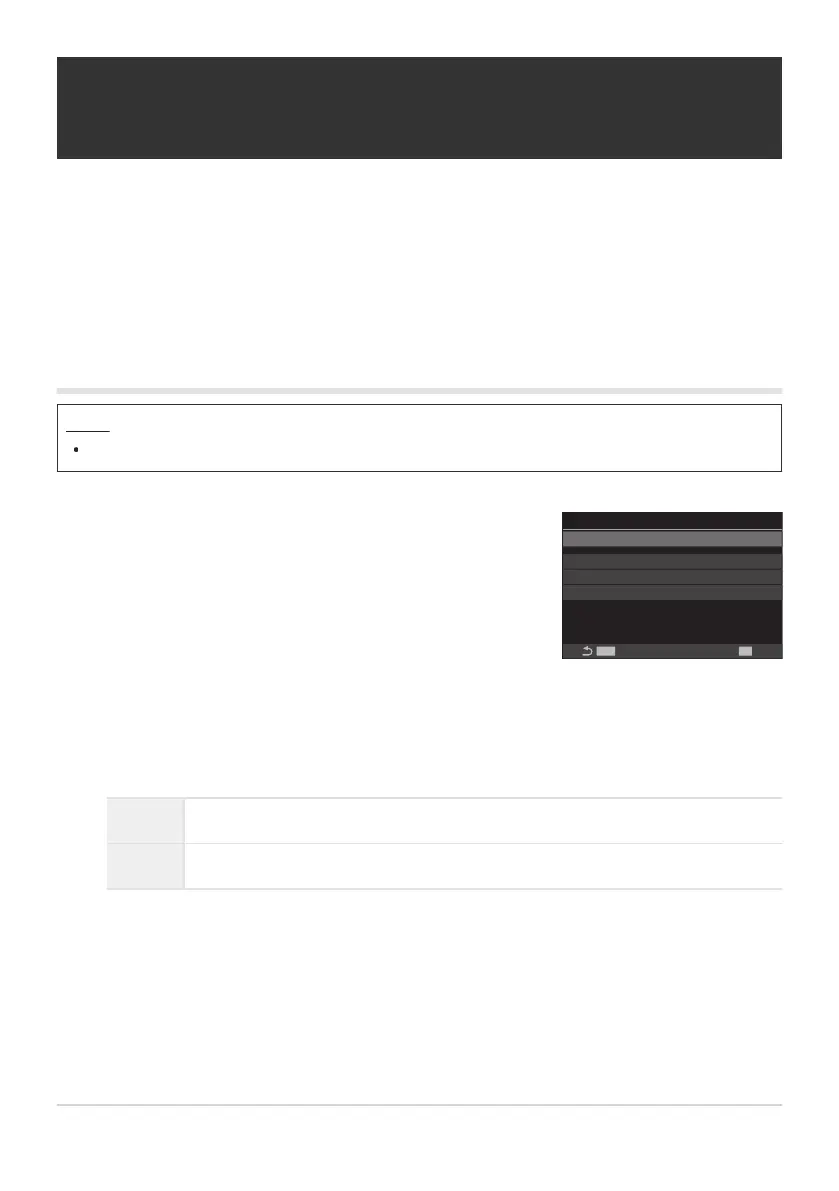
Use FG to select [Live GND Shooting] and press the OK
button.
Live GND Shooting
Live GND Shooting
MENU
OK
GND Number GND8(3EV)
Filter Type Soft
Filter Auto Rotate On
Off
Live GND Shooting setting
screen
Shooting scenes with high contrast (Live GND
Shooting)
The camera combines a series of exposures to create a single photo. This will increase the amount of
detail visible in the highlights and shadows of high-contrast scenes, such as landscapes. Adjust the
level of the effect while looking at the screen.
Enabling Live GND Shooting
Menu
MENU U b U 1. Computational Modes U Live GND Shooting
Highlight [On] using the FG buttons and press the OK button.
Off Pictures are taken without live GND shooting.
On Pictures are taken with live GND shooting.
The display returns to the Live GND Shooting setting screen.
246
Shooting scenes with high contrast (Live GND
Shooting)
1.
2.
3.


 To Next Page
 Loading...



