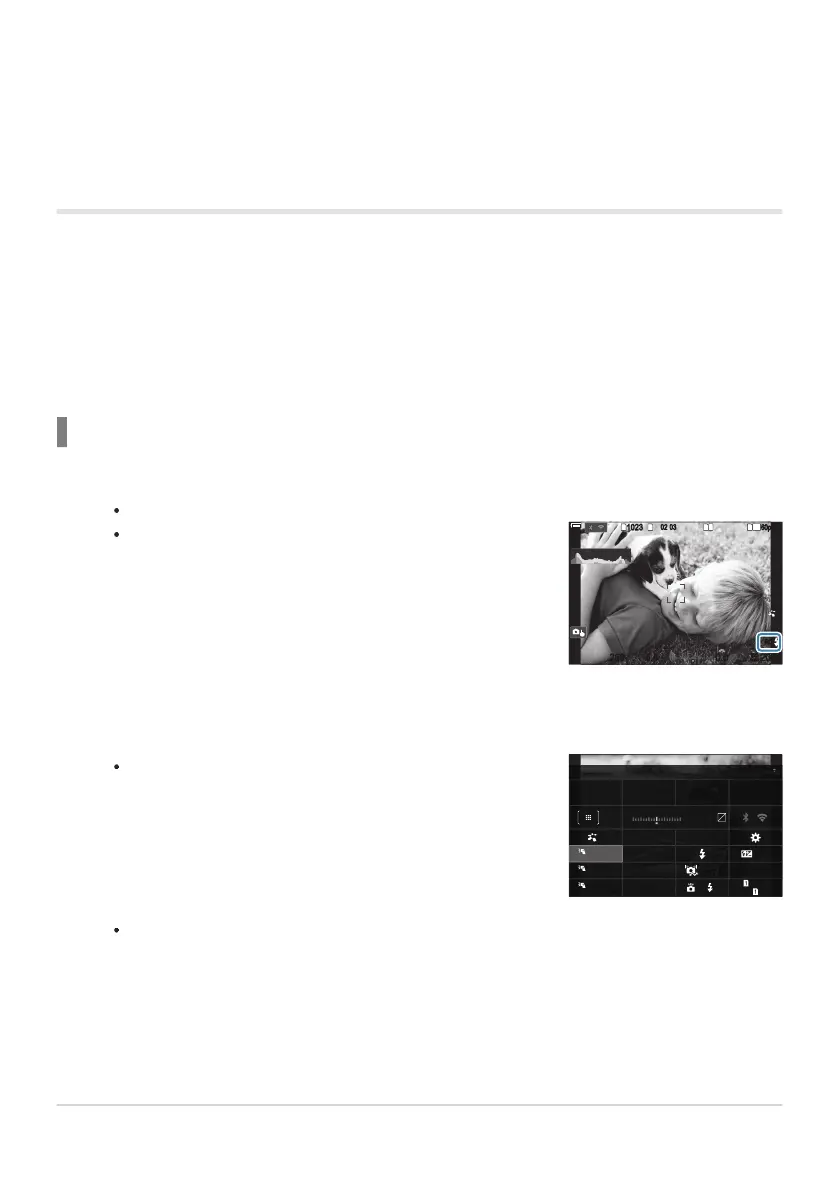
”RC” appears on the screen.
RCRC
1
10231023
P
1
/
250
P
1
/
F
250 5.65.6
1
1
[
1
:
02
:
03
][
1
:
02
:
03
]
FF
60p60p L
-
8L
-
8
S
-
AFS
-
AF
33
L
1
4K
F
00
+
-
0.00.0
100
%
100
%
200200
ISO
Auto
ISO
Auto
The RC mode super control panel will be displayed.
±
0.0
±
0.0
A Mode
RCRC
0.0
5.6250P
Ch1Low
TTL
Off
Off
A
Small
1/ Auto
ISO
3
0
+
-
C
B
[
1:02:03
]
1023
±
F
200
WB Auto
Maximum lens focal length at which the unit can provide flash coverage (figures following slashes
are 35mm format equivalent focal lengths).
Functions as commander (transmitter) only.
Wireless remote control flash photography
Wireless flash photography is available with compatible flash units that support wireless remote
control (RC). The remote flash units are controlled via a unit mounted on the camera hot shoe. Settings
can be adjusted separately for the units in up to three other groups.
RC mode must be enabled on both the master and remote flash units (P.480).
Configuring RC mode
Select [On] for [ARC Mode] (P.185) and press the OK button.
The camera will exit to the shooting display.
Press the OK button.
The standard LV super control panel can be displayed by pressing the INFO button. The
display will change each time the INFO button is pressed.
482
Optional Accessories
1
2
1.
2.


 To Next Page
 Loading...



