Choosing the Settings Available via Multi-Fn
(Multi Function Settings)
Choose the settings that can be accessed via multi-function buttons.
Menu
MENU U C U 5. Grid/Other Displays U Multi Function Settings
Select the display type, and put a check (P) next to it.
Select an option using FG and press the OK button to put a check (P) next to it. To
remove the check, press the OK button again.
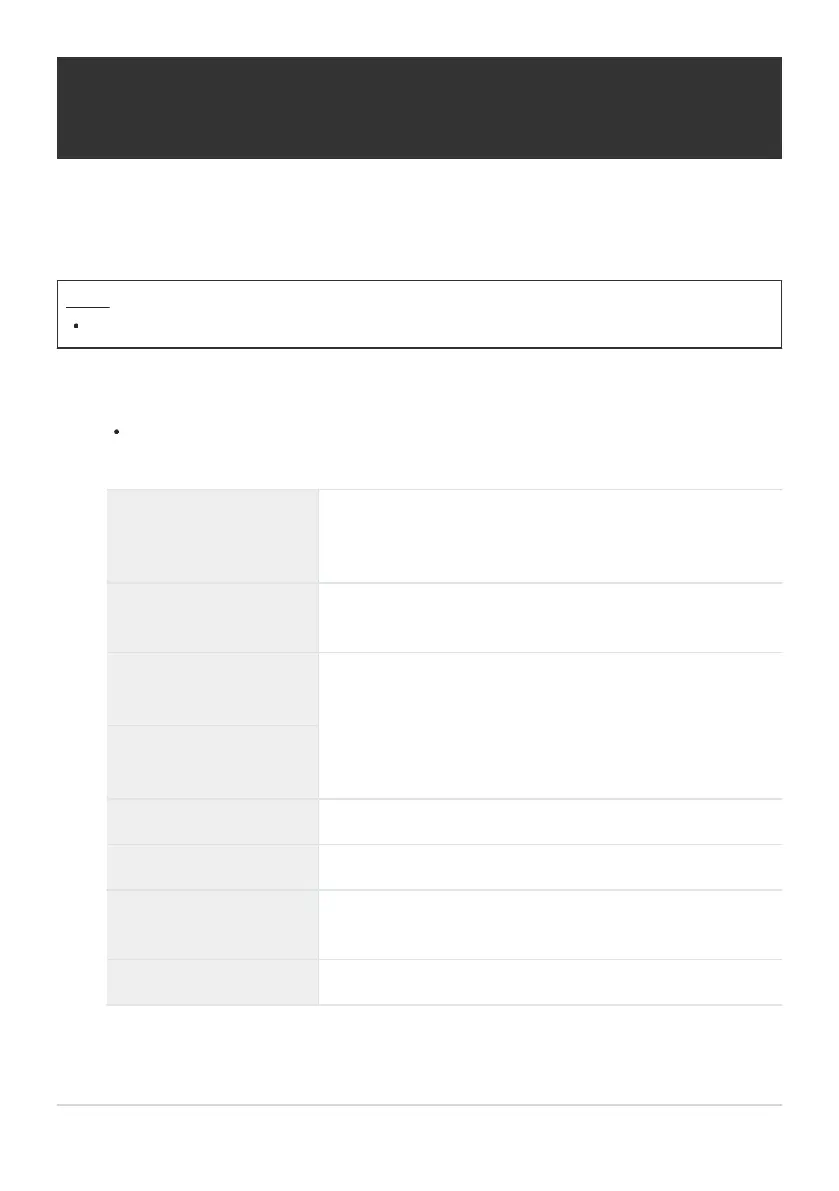
Highlight&Shadow
Control
Change the setting using the front and rear dials. Press the
INFO button to change the area (highlight, midtone, shadow)
to be configured.
Color Creator
Use the front dial to adjust hue and the rear dial to adjust
saturation.
KISO
nISO
Change the setting using the front and rear dials.
KWB
nWB
Magnify A zoom frame will be displayed.
Image Aspect Change the setting using the front and rear dials.
KLV Mode
The setting switches between [Standard] and [S-OVF] with
each press of the button.
Peaking Turns on and off with each press of the button.
379
Choosing the Settings Available via Multi-Fn
(Multi Function Settings)
1.



 To Next Page
 Loading...



