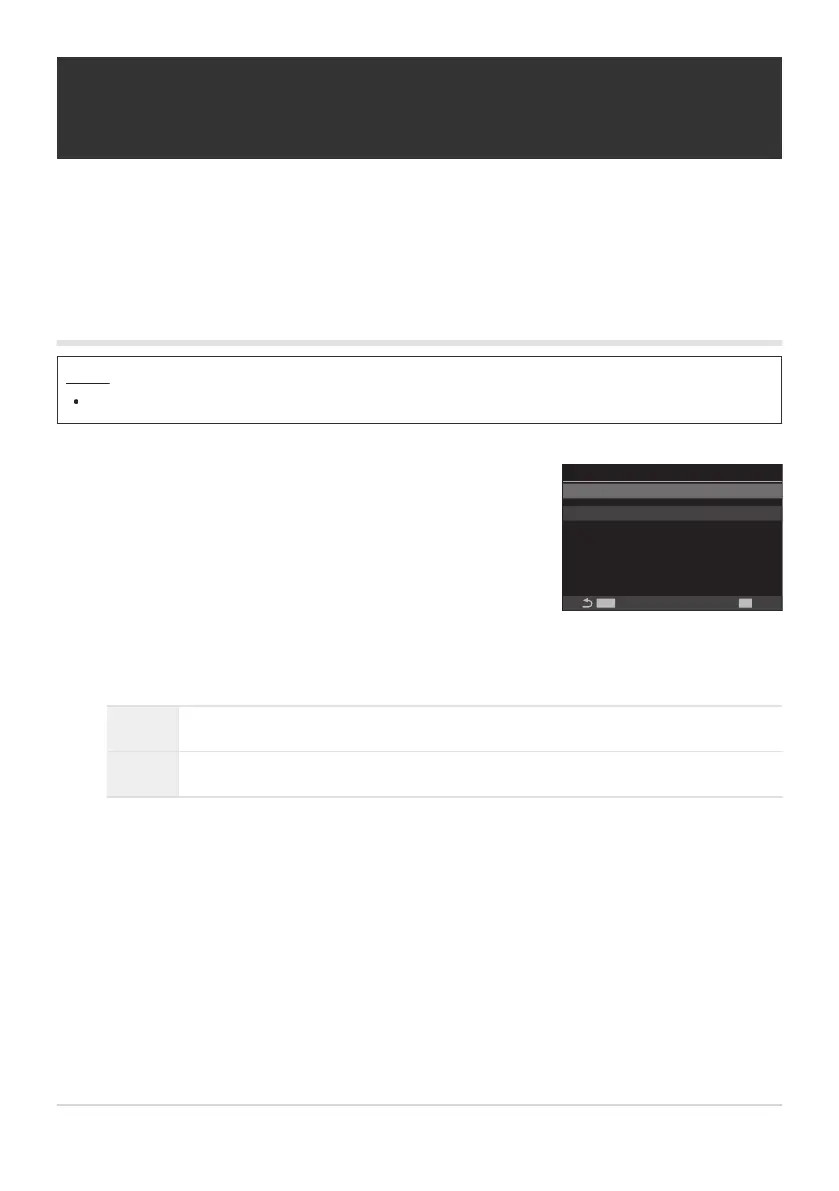
Highlight [ART BKT] using the FG buttons and press the
OK button.
ART BKT
ART BKT
MENU
OK
ART BKT Setting
Off
ART BKT setting screen
Recording copies of one picture with different
art filters applied (ART BKT)
Create multiple versions of each picture, each with a different art filter applied.
Enabling art filter bracketing
Menu
MENU U b U 3. Bracketing U ART BKT
Highlight [On] using the FG buttons and press the OK button.
Off Pictures are taken without using this function.
On Pictures are taken with multiple art filters applied.
The display returns to the ART BKT setting screen.
276
Recording copies of one picture with different
art filters applied (ART BKT)
1.
2.
3.


 To Next Page
 Loading...



