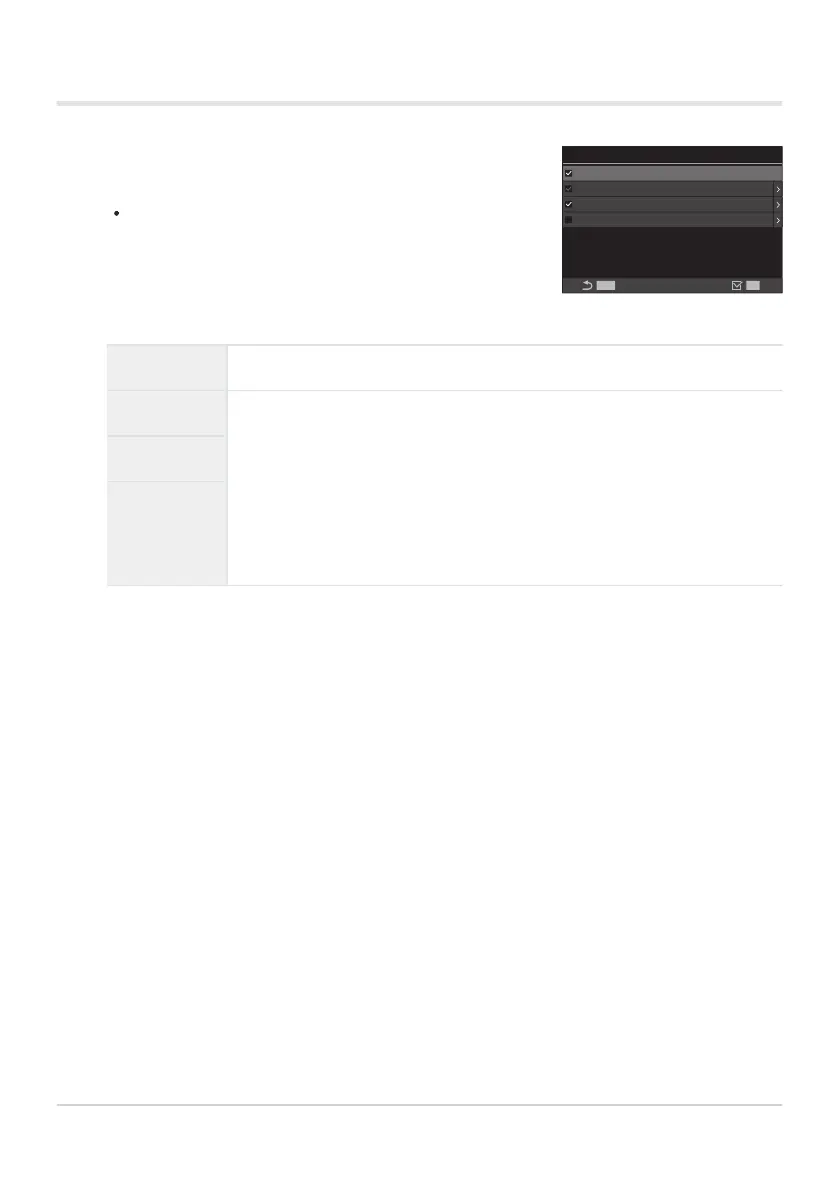
Select an indicator you wish to display when the INFO button
is pressed, and put a check (P) next to it.
Select an option using FG and press the OK button to
put a check (P) next to it.
To remove the check, press the OK button again.
K
Info Settings
MENU
Information 1
Information 2
Information 3
Image Only
OK
KInfo Settings setting screen
Configuring KInfo Settings
Image Only No information will be displayed.
Information 1
Select an option using FG and press the OK button to put a check (P)
next to it.
To remove the check, press the OK button again.
To set the details of an item to be displayed, press I. The following items
can be set.
[X] / [Highlight&Shadow] / [Level Gauge] / [All Battery
Information] / [Silent 7Operation]
Information 2
Information 3
The set that is currently in use cannot be disabled, but the items to be displayed can be
configured.
371
Shooting Indicators (KInfo Settings / nInfo
Settings)
1.
B


 To Next Page
 Loading...




