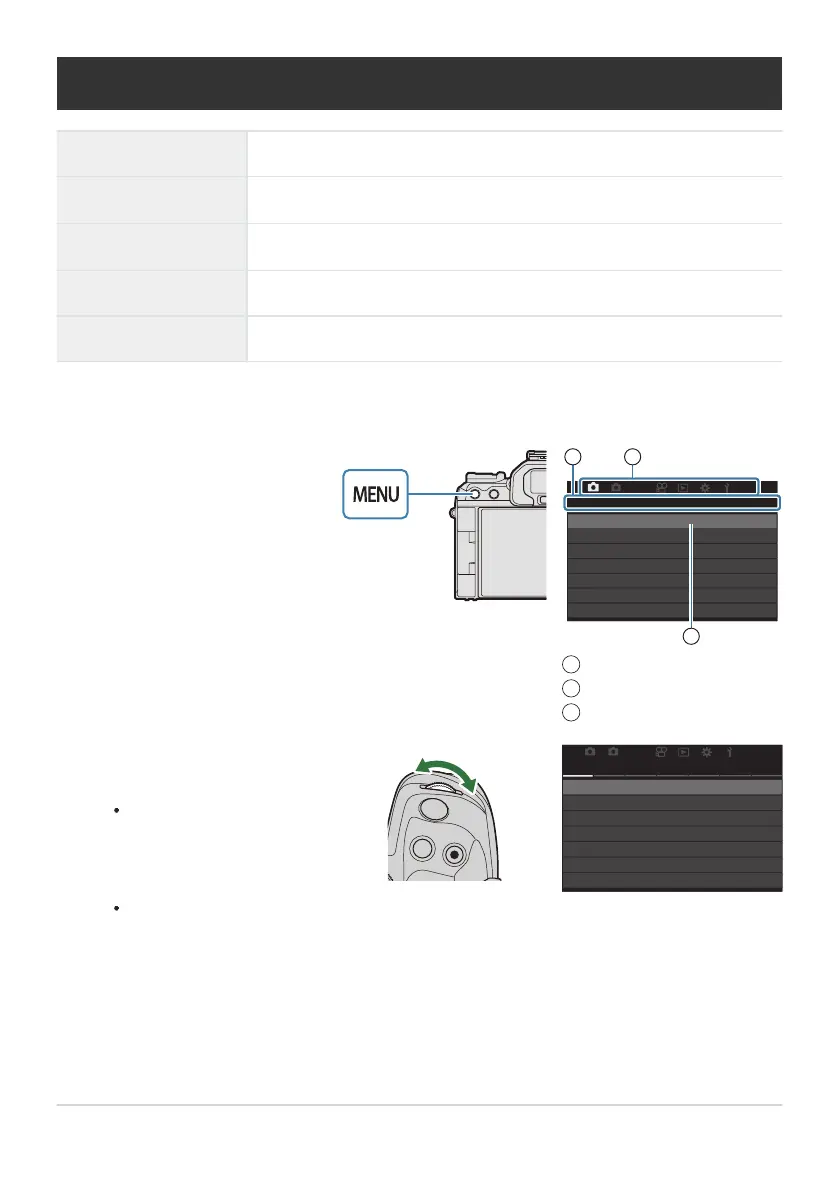
Press the MENU button to
view the menus.
21
AF
My
1
Custom Mode
1.
KX
KX
Detailed Settings
Image Aspect
Shading Comp.
Basic Settings/Image Quality
Image Review
4:3
Off
Off
L
F
3
12
Tab
Page title
Cursor
1
2
3
Use the front dial to select the
desired tab.
[nAF Mode] can be found
in the [AF] tab. Rotate the
front dial until the [AF] tab
is highlighted.
You can also tap the tab
icon to switch to the tab.
21
AF
My
AF
K
AF Mode S-AF
1.
K
AF+MF
Starry Sky AF Setting
K
AF by half-pressing
6
Release Priority
AF
z
in MF mode
No
Off
How to operate the menus
Front dial Select a tab.
HI/Rear dial
Select a page.
FG
Move the cursor.
OK button Confirm the setting/proceed to the next screen.
MENU button Cancel operation/return to previous screen.
The following explanation uses [nAF Mode] as an example.
97
How to operate the menus
1.
2.


 To Next Page
 Loading...



