Configure options.
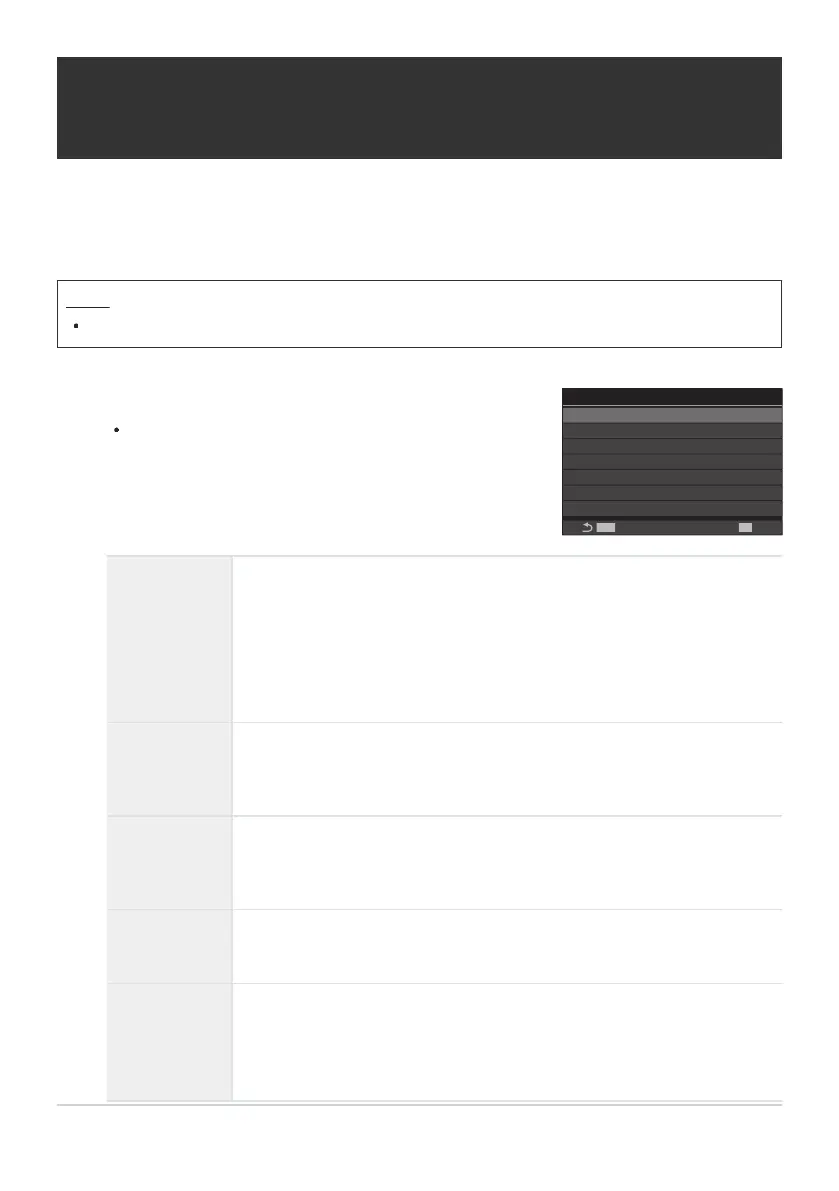
Press FG to select an item and press the OK button to
display the setting menu.
My
BULB/TIME/COMP Settings
Bulb/Time Timer
Live Composite Timer
Bulb/Time Monitor
Live Bulb
Live Time
Composite Settings
Bulb/Time Focusing
8min
3h
-7
Off
0.5sec
1/2sec
On
MENU
OK
Configuring BULB/TIME/COMP Settings
(BULB/TIME/COMP Settings)
Set items related to bulb/time/composite photography.
Menu
MENU U b U 2. Other Shooting Functions U BULB/TIME/COMP Settings
Bulb/Time
Focusing
Allows manual focusing in B (bulb) mode. You can take pictures using
techniques such as putting the subject out of focus during exposure or
focusing at the end of exposure.
[Off]: Disables manual focusing during exposure.
[On]: Enables manual focusing during exposure.
Bulb/Time
Timer
Specify the maximum length of bulb/time photography.
[30min] / [25min] / [20min] / [15min] / [8min] / [4min] / [2min] /
[1min]
Live
Composite
Timer
Specify the maximum length of live composite photography.
[6h] / [5h] / [4h] / [3h] / [2h] / [1h] / [30min] / [25min] / [20min] /
[15min] / [8min] / [4min]
Bulb/Time
Monitor
Specify the display brightness in B (bulb) mode.
[-7] – [±0] – [+7]
Live Bulb
Choose the display interval during bulb photography. The number of
update times is limited. Choose [Off] to disable the display.
[60sec] / [30sec] / [15sec] / [8sec] / [4sec] / [2sec] / [1sec] / [0.5sec] /
[Off]
269
Configuring BULB/TIME/COMP Settings (BULB/
TIME/COMP Settings)
1.


 To Next Page
 Loading...



