Highlight [On] using the FG buttons and press the OK
button.
K
AF Focus Adjustment
AF Focus Adjustment
MENU
OK
Fine-tuning Value ±0
Off
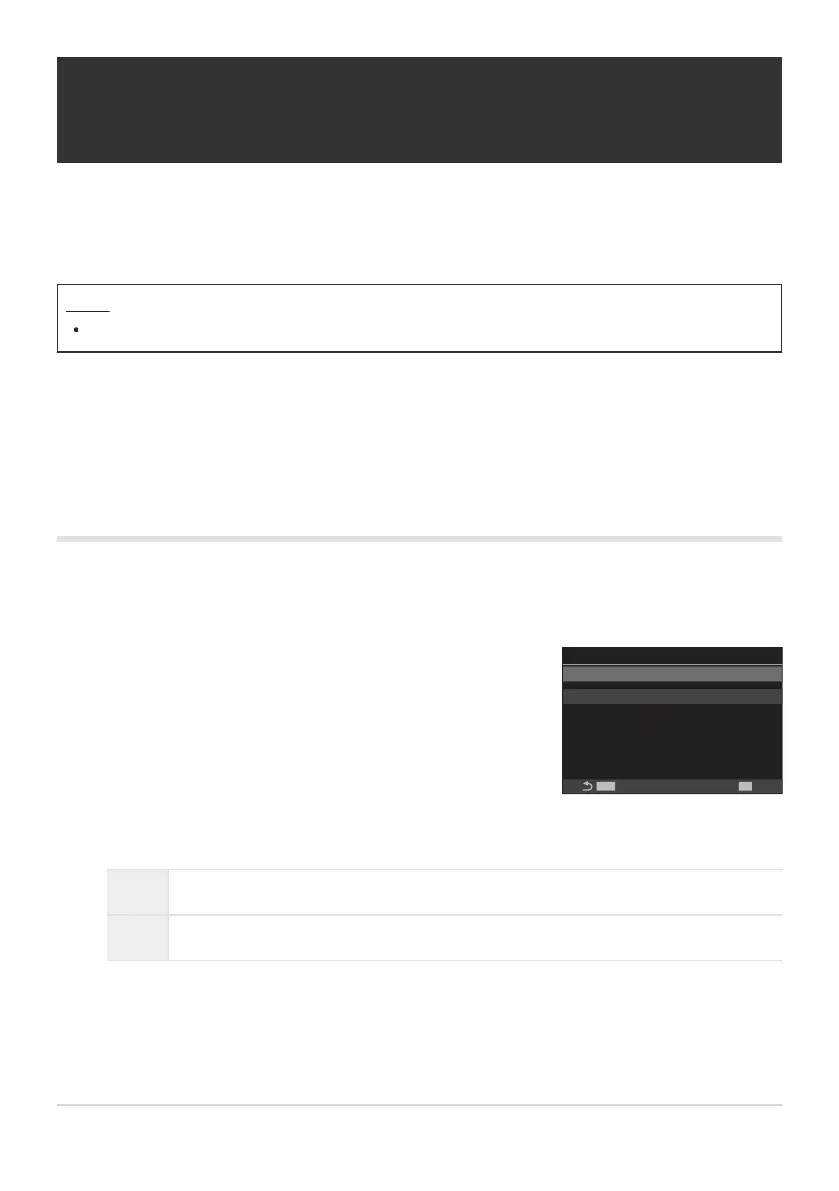
KAF Focus Adjustment
setting screen
Fine-Tuning Autofocus (KAF Focus
Adjustment)
Fine-tune phase-detection autofocus. Focus can be fine-tuned by up to ±20 steps.
Menu
MENU U AF U 4. AF U KAF Focus Adjustment
Normally there is no need to fine-tune autofocus using this item. Fine-tuning focus may prevent the
camera focusing normally.
Focus fine-tuning has no effect in [S-AF] and [S-AFJ] modes.
Using the saved focus adjustment value
Highlight [AF Focus Adjustment] using the FG buttons and press the OK button.
Off The camera does not use the saved focus adjustment value.
On The camera uses the saved focus adjustment value.
Return to the KAF Focus Adjustment setting screen.
132
Fine-Tuning Autofocus (KAF Focus Adjustment)
C
C
1.
2.
3.



 To Next Page
 Loading...



