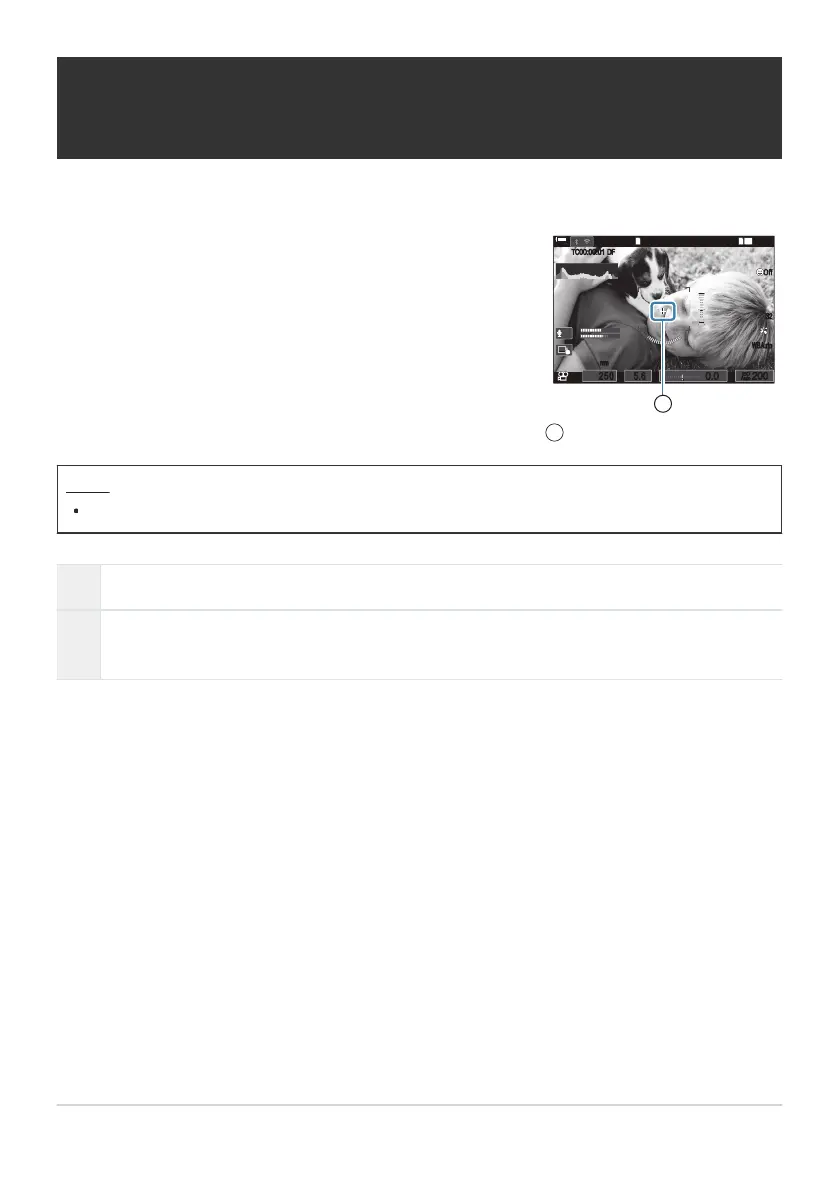
During movie recording, you can display a “+” mark which enables
you to understand where the center of the screen is.
145
min
145
min
PP
LL
R
M
-
IS2M
-
IS2
33
WBAu t oWB Auto
±0±0
R
TC
00:00:01
TC
00:00:01
DFDF
1
[
1
:
02
:
03
][
1
:
02
:
03
]
60p60p L
-
8L
-
8
C
-
AFC
-
AF
OffOff
1
4K
1
/
2501
/
F
250 5.65.6
ISO
Auto
ISO
Auto
F
00
+
-
0.00.0
200200
80mm80mm
1
+ mark
1
Displaying a + mark in the center of the screen
while recording movies (Center Marker)
Menu
MENU U n U 6. Shooting Assist U Center Marker
Off The + mark is not displayed.
On
The + mark is displayed in the center of the screen during movie recording and when in
movie recording ready mode.
287
Displaying a + mark in the center of the screen
while recording movies (Center Marker)



 To Next Page
 Loading...



