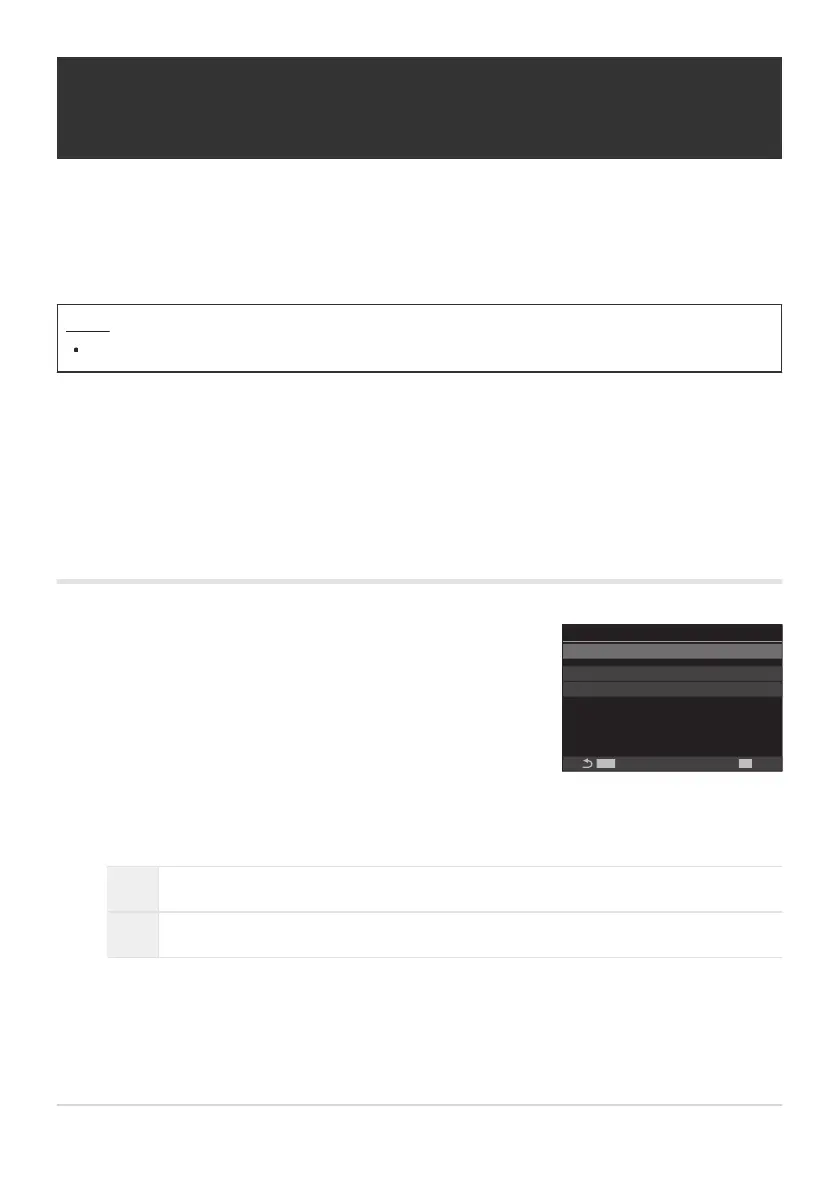
Use FG to select [Copyright Info.] and press the OK
button.
Copyright Info.
Copyright Info.
MENU
OK
Artist Name
Copyright Name
Off
Copyright Info. setting screen
Adding Copyright Information (Copyright
Info.)
Choose the copyright information stored with photos when they are saved. Copyright information is
stored as Exif tags.
Menu
MENU U e U 2. Information Record U Copyright Info.
We will not be held liable for any disputes or damages arising from use of the [Copyright Info.]
feature. Use at your own risk.
To delete the copyright information you have entered, delete the characters on the entry screen of
each item (P.398).
Enabling Copyright Info.
Highlight [On] using the FG buttons and press the OK button.
Off Do not add Exif tags naming the photographer and/or copyright holder.
On Add Exif tags naming the photographer and/or copyright holder.
The display returns to the Copyright Info. setting screen.
397
Adding Copyright Information (Copyright Info.)
C
C
1.
2.
3.



 To Next Page
 Loading...



