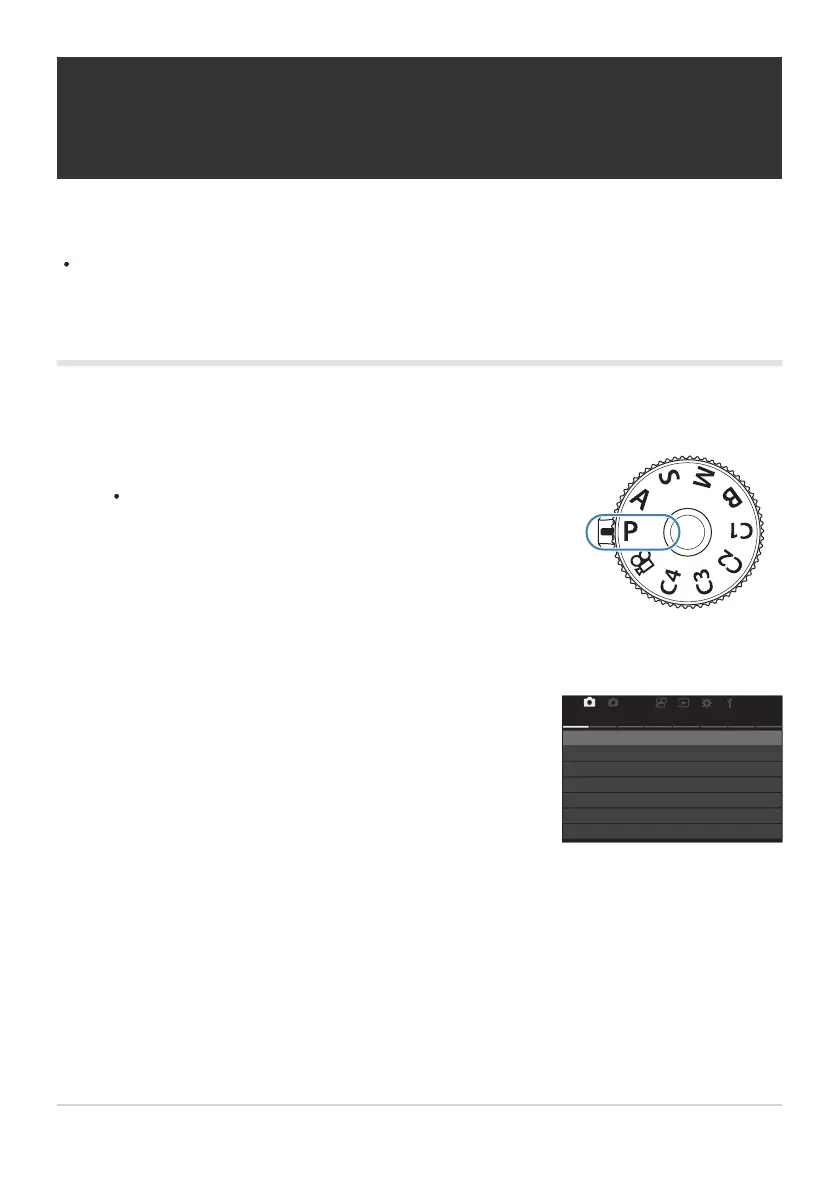
Choose a mode other than n and adjust settings as desired.
For information on the settings that can be saved, see
“Default Settings” (P.510).
Highlight the a tab using the front dial.
21
AF
My
1
Custom Mode
1.
KX
KX
Detailed Settings
Image Aspect
Shading Comp.
Basic Settings/Image Quality
Image Review
4:3
Off
Off
L
F
Saving Custom Settings to the Mode Dial (C1,
C2, C3, and C4 Custom Modes)
Frequently-used settings and shooting modes can be saved as custom modes and recalled as needed
simply by rotating the mode dial. Saved settings can also be recalled from the menus.
Save settings to positions C1 through C4.
Saving Settings (Assign)
Press the MENU button to view the menus.
Highlight [1. Basic Settings/Image Quality] using the HI buttons or the rear dial.
Highlight [Custom Mode] using the FG buttons and press the OK button.
73
Saving Custom Settings to the Mode Dial (C1,
C2, C3, and C4 Custom Modes)
1.
2.
3.
4.
5.


 To Next Page
 Loading...



