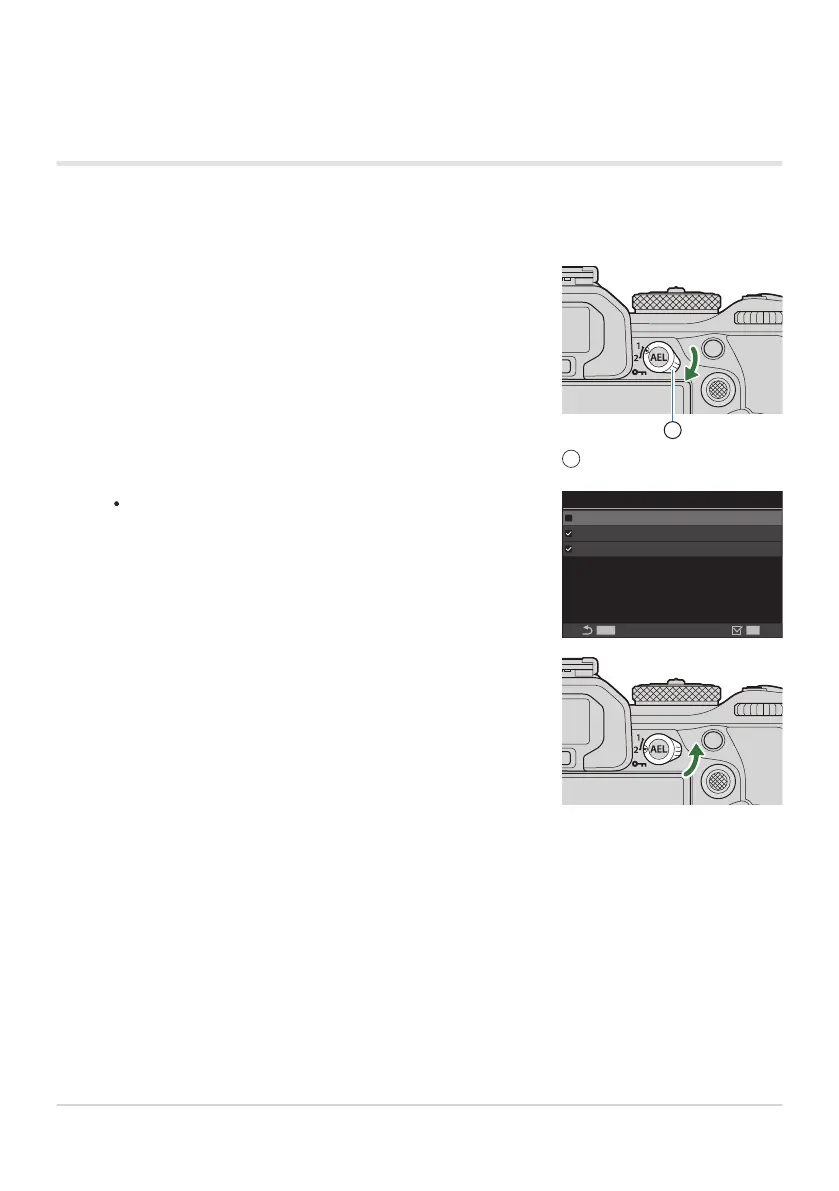
Rotate the Fn lever to Position 1 and set the AF settings.
Fn lever
1
The camera can store the settings that have been checked
(P) in:
[AF Mode]: S-AF, C-AF, etc.
[AF Target Mode]: XSingle, bAll, etc.
[AF Target Point]: AF-target position
mode2
MENU
OK
AF Target Mode
AF Target Point
AF Mode
Rotate the Fn lever to Position 2 and set the AF settings.
Using [mode2] of [KFn Lever Function] / [nFn
Lever Function]
When [mode2] is selected for [KFn Lever Function] / [nFn Lever Function], the camera will store
separate focus settings for Positions 1 and 2.
Rotate the lever to the desired position to recall the saved settings.
355
Customizing the Fn Lever (Fn Lever Settings)
1.
2.
3.



 To Next Page
 Loading...



