Select a picture mode using the rear dial or HI.
43
3
21 5 M C
Norm
±
0
±
0
±
0
4321 5 M C
Natural
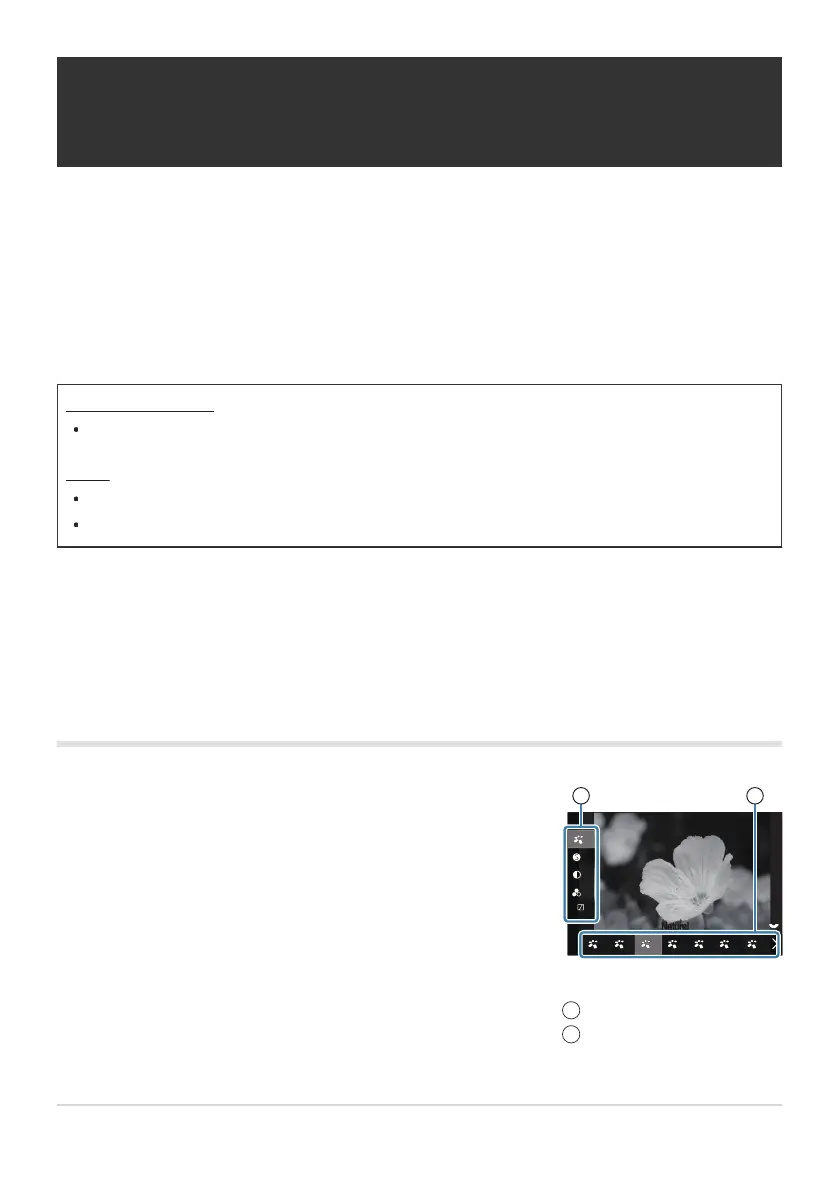
1 2
Picture Mode setting screen
Item
Picture mode
1
2
Processing options (KPicture Mode /
nPicture Mode)
Choose how pictures are processed during shooting to enhance color, tone, and other properties.
Choose from preset picture modes according to your subject or artistic intent. Contrast, sharpness, and
other settings can be adjusted separately for each mode. You can also add artistic effects using art
filters. Art filters give you the option of added frame effects and the like. Adjustments to individual
parameters are stored separately for each picture mode and art filter.
Super control panel
OK U Picture mode
Menu
MENU U a U 2. Picture Mode/WB U KPicture Mode
MENU U n U 2. Picture Mode/WB U nPicture Mode
When in movie mode with the camera configured as follows, you can set the same setting as the
[KPicture Mode] (P.220) setting by selecting [nPicture Mode] from the super control panel.
[nVideo Codec] is set to [H.264] and [nPicture Mode] is set to [Same as K]
Setting KPicture Mode
220
Processing options (KPicture Mode / nPicture
Mode)
C
-
1.



 To Next Page
 Loading...



