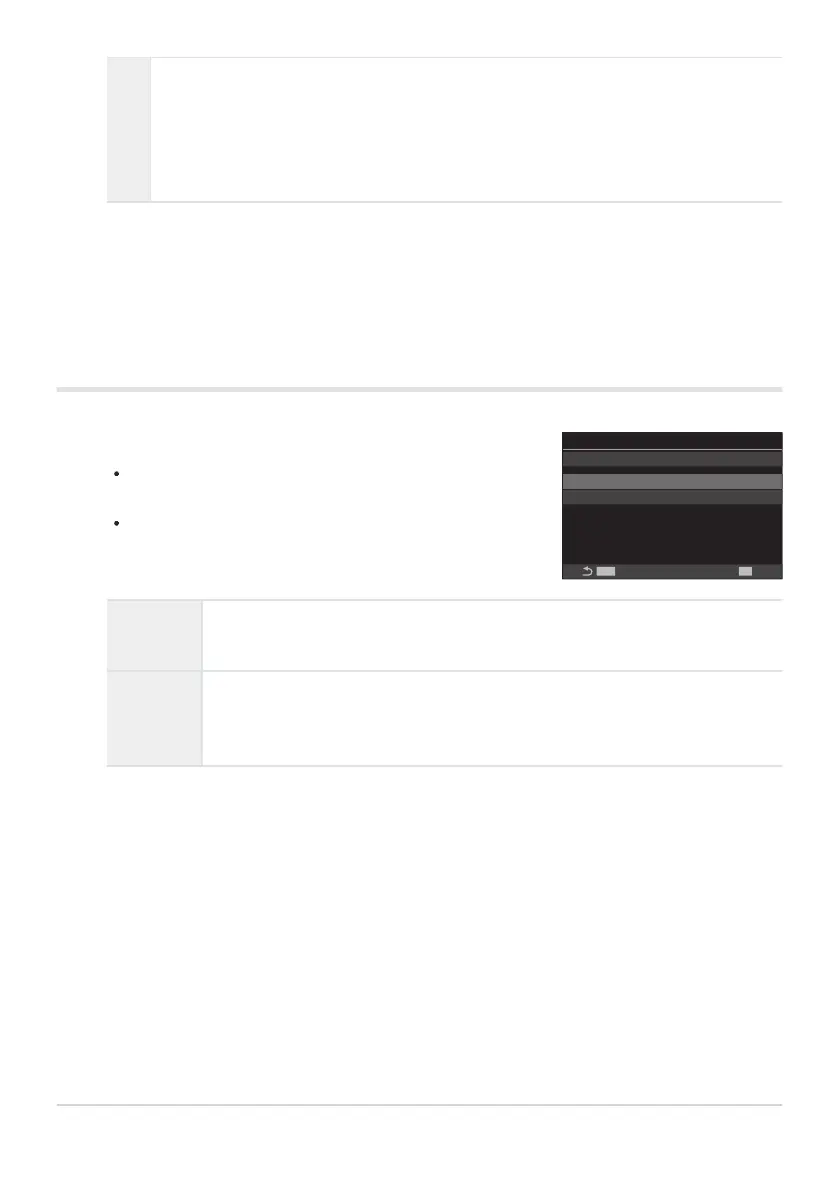
Configure options.
Press FG to select an item and press the OK button to
display the setting menu.
After configuring options, press the OK button to return to
Zebra Pattern Settings setting screen.
MENU
OK
On
Zebra Pattern Settings
Zebra Pattern Settings
Y
Level 1 80
Z
Level 2 Off
On
During movie recording, zebra patterns (stripes) will be displayed over the areas where
the luminance levels exceed the predetermined thresholds.
A Y pattern will be displayed where the luminance level exceeds [YLevel 1].
A Z pattern will be displayed where the luminance level exceeds [ZLevel 2]. The Z
pattern will be displayed where they overlap.
The display returns to the Zebra Pattern Settings setting screen.
Configuring Zebra Pattern Settings
Y Level 1
A Y pattern will be displayed where the luminance level exceeds the specified
value.
Z Level 2
A Z pattern will be displayed where the luminance level exceeds the specified
value.
Set this to [Off] if you want to display only one type of zebra pattern.
289
Displaying zebra patterns over high luminance
areas while recording movies (Zebra Pattern
Settings)
3.
1.


 To Next Page
 Loading...



