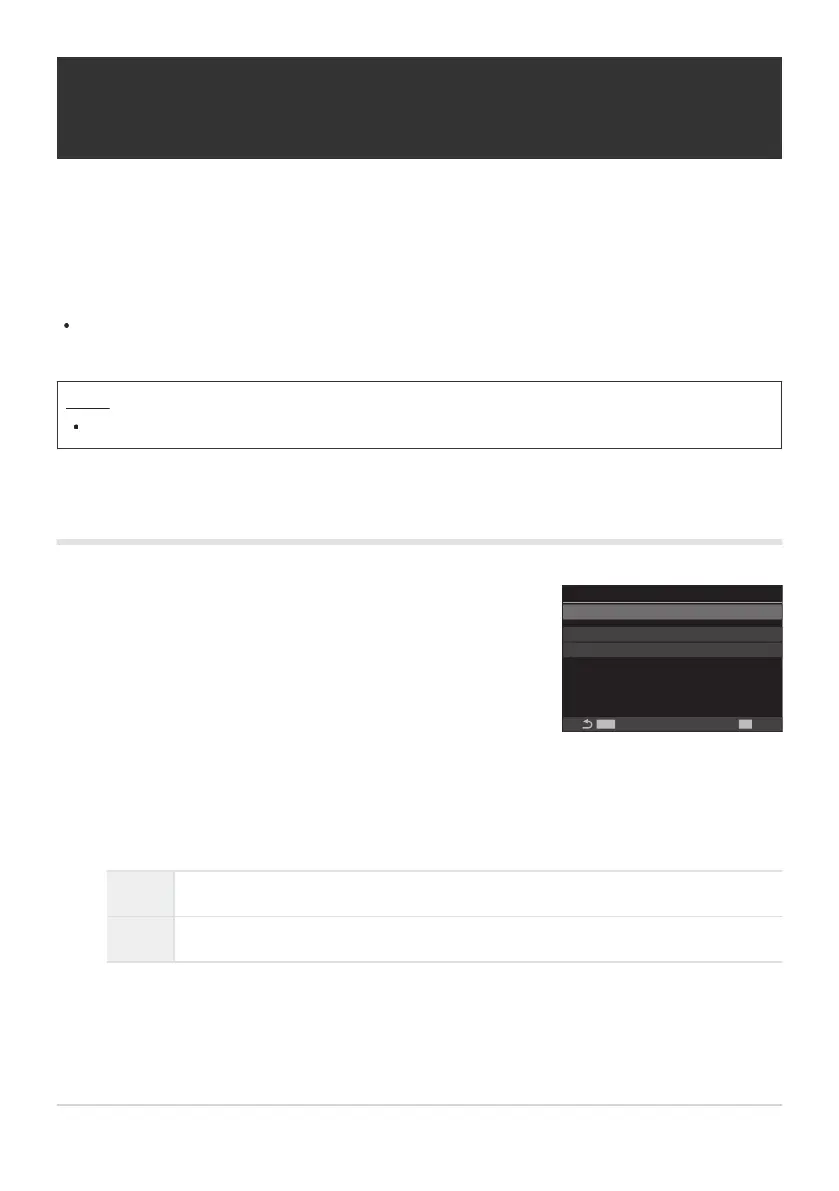
Use FG to select [Fisheye Compensation] and press the OK
button.
MENU
OK
1
Off
Off
Fisheye Compensation
Fisheye Compensation
Angle
Q
/
P
Correction
Fisheye Compensation setting
screen
Correcting Fisheye Distortion (Fisheye
Compensation)
Correct distortion caused by fisheye lenses to give photos the appearance of pictures taken with a
wide-angle lens. The amount of correction can be selected from three different levels. You can also opt
simultaneously to correct distortion in photos taken under water.
This option is only available with compatible fisheye lenses.
As of January 2024, it could be used with the M.ZUIKO DIGITAL ED 8mm F1.8 Fisheye PRO.
Menu
MENU U b U 2. Other Shooting Functions U Fisheye Compensation
Enabling Fisheye Compensation
Highlight [On] using the FG buttons and press the OK button.
Off Pictures are taken without using this function.
On Pictures are taken with fisheye compensation applied.
The display returns to the Fisheye Compensation setting screen.
266
Correcting Fisheye Distortion (Fisheye
Compensation)
1.
2.
3.



 To Next Page
 Loading...



