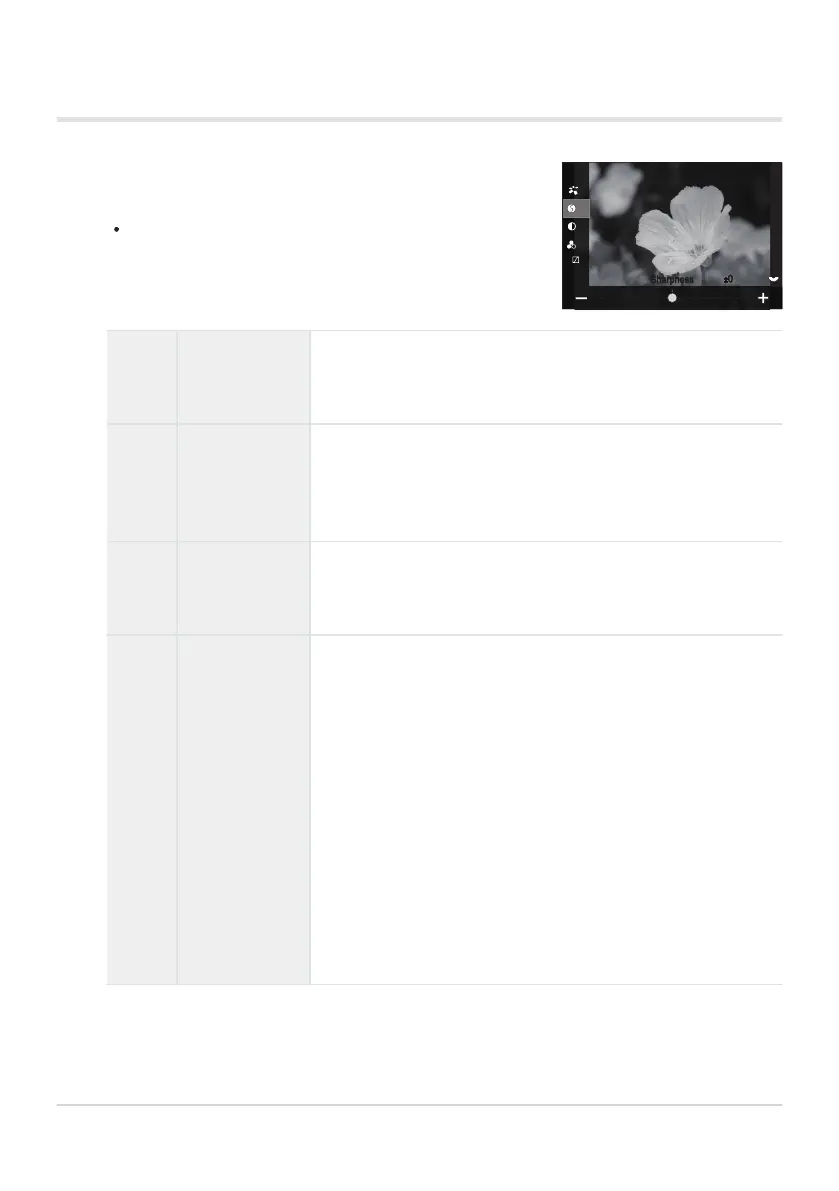
Press FG on the Picture Mode setting screen (P.220) to select
the option you want to set.
Available settings vary depending on the selected picture
mode.
Setting detailed options of a Picture Mode
S
Sharpness
Adjust image sharpness. Outlines can be emphasized for a
sharp, clear picture.
[-2] – [±0] – [+2]
F
Contrast
Adjust image contrast. Increasing contrast heightens the
difference between bright and dark areas for a harder, more
well-defined picture.
[-2] – [±0] – [+2]
E
Saturation
Adjust color saturation. Increasing saturation makes pictures
more vivid.
[-2] – [±0] – [+2]
T
Gradation
Adjust color brightness and shading. Bring pictures closer to
what you envisage by, for example, brightening the entire
picture. Depending on the contrast, you can produce both dark
gradations and bright gradations.
[Shadow Adj]: Divides the image into detailed regions and
adjusts the brightness separately for each region. This is
effective for images with areas of large contrast in which the
whites appear too bright or the blacks appear too dark.
[Gradation Normal]: Optimal shading. Recommended in most
circumstances.
[Gradation High Key]: Uses a tone suitable for a bright subject.
[Gradation Low Key]: Uses a tone suitable for a dark subject.
223
Processing options (KPicture Mode / nPicture
Mode)
1.


 To Next Page
 Loading...




