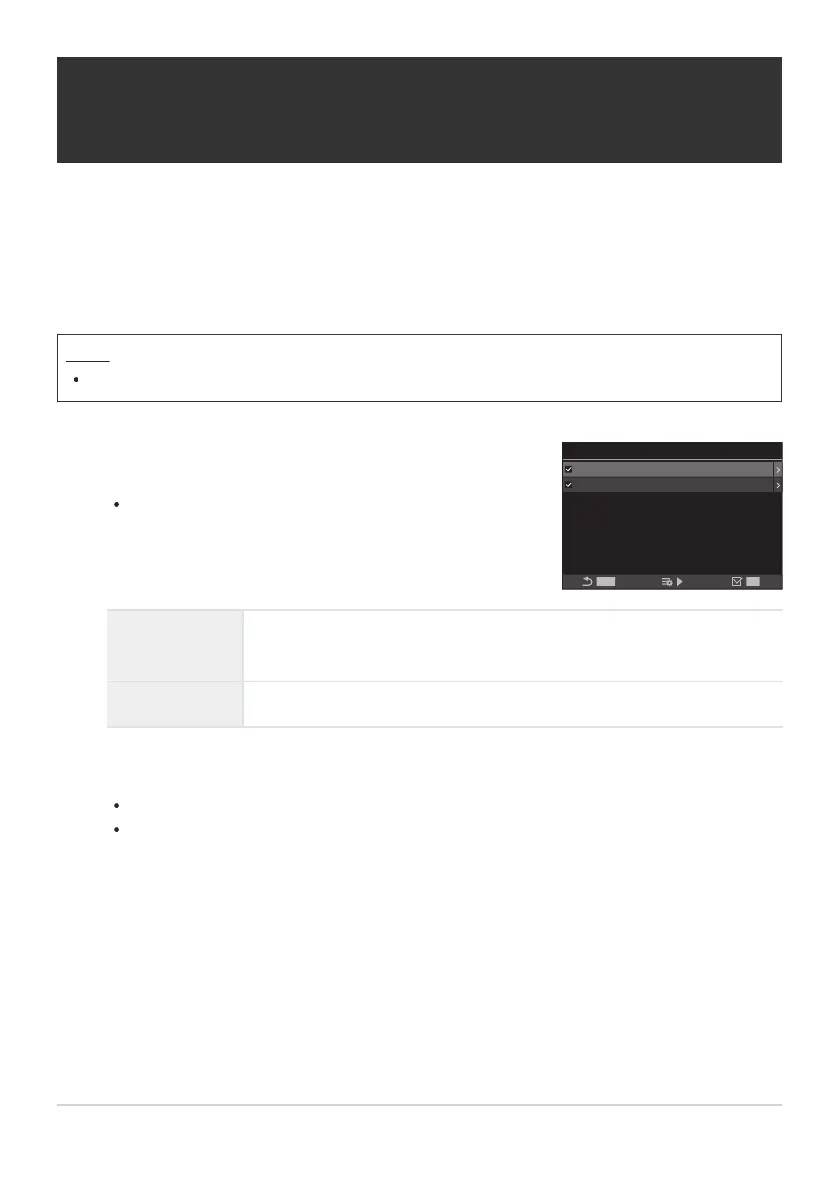
Select a setting you wish to store with the home position and
put a check (P) next to it.
Select an option using FG and press the OK button to
put a check (P) next to it.
To remove the check, press the OK button again.
K
Y
Set Home
MENU
AF Target Point
AF Target Mode
OK
b
All
Choosing the AF Home Position (KY Set
Home)
Choose the home position for the [YHome] feature. The [YHome] feature lets you recall a
previously-saved “home position” for AF target at the touch of a button. This item is used to choose
the home position.
Menu
MENU U AF U 6. AF Target Settings & Operations U KYSet Home
AF Target Mode
Choose the home position AF target mode. Only options selected for
[KAF Target Mode Settings] (P.109) are available.
AF Target Point Choose the home position focus target position.
Press I to configure options for the selected item.
Choose settings for the home position
When [KOrientation Linked Y] is active, you will be prompted to select landscape or
portrait (camera rotated left/camera rotated right) orientation before pressing the OK button
to display options.
138
Choosing the AF Home Position (KY Set
Home)
1.
2.


 To Next Page
 Loading...




