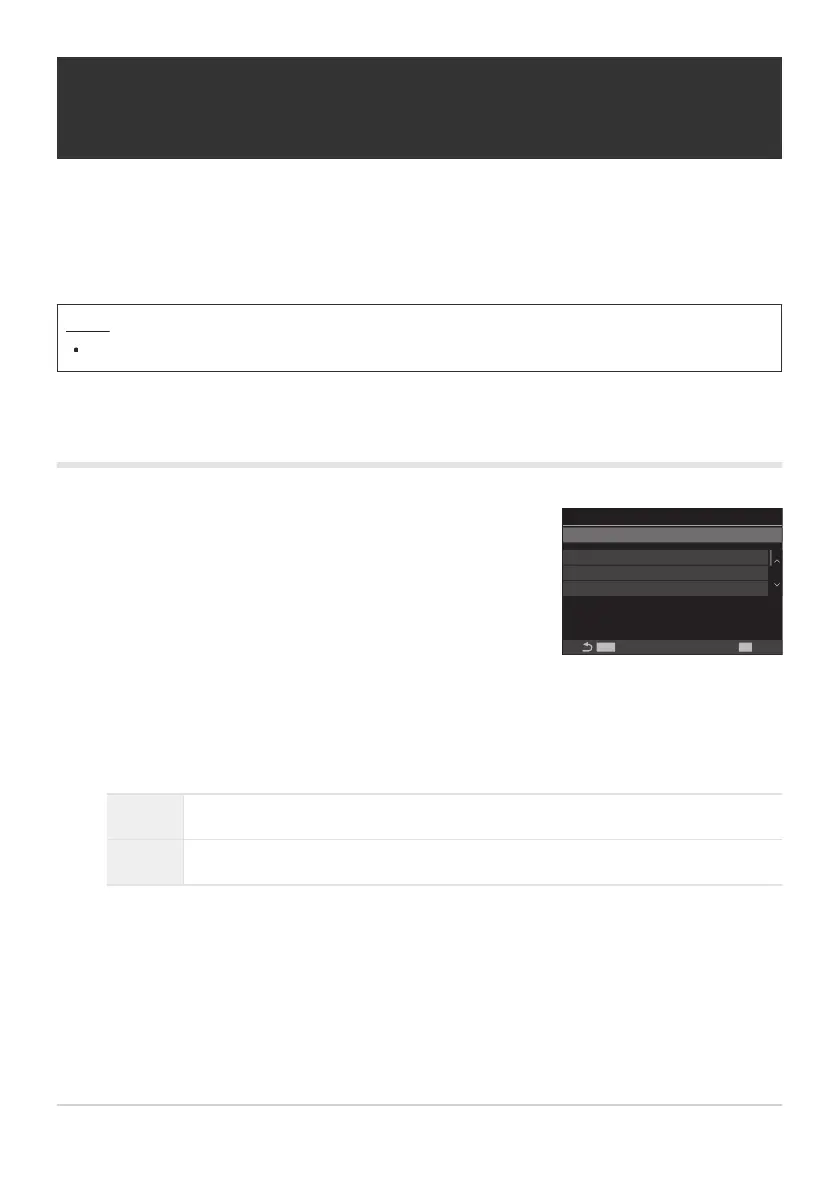
Use FG to select [Interval Shooting] and press the OK
button.
End '24.01.01 10:57
Start '24.01.01
10:56
MENU
OK
100
00:00:01
00:00:01
Off
--:--
Interval Shooting
Interval Shooting
Number of Frames
Start Waiting Time
Interval Length
Estimated Time
TL Movie Length
Interval Shooting setting
screen
Shooting automatically with a fixed interval
(Interval Shooting)
You can set the camera to shoot automatically with a set time lapse. The shot frames can also be
recorded as a single movie.
Menu
MENU U b U 2. Other Shooting Functions U Interval Shooting
Enabling Interval Shooting
Highlight [On] using the FG buttons and press the OK button.
Off Pictures are taken without using this function.
On Pictures are taken at specified intervals.
The display returns to the Interval Shooting setting screen.
260
Shooting automatically with a fixed interval
(Interval Shooting)
1.
2.
3.


 To Next Page
 Loading...



