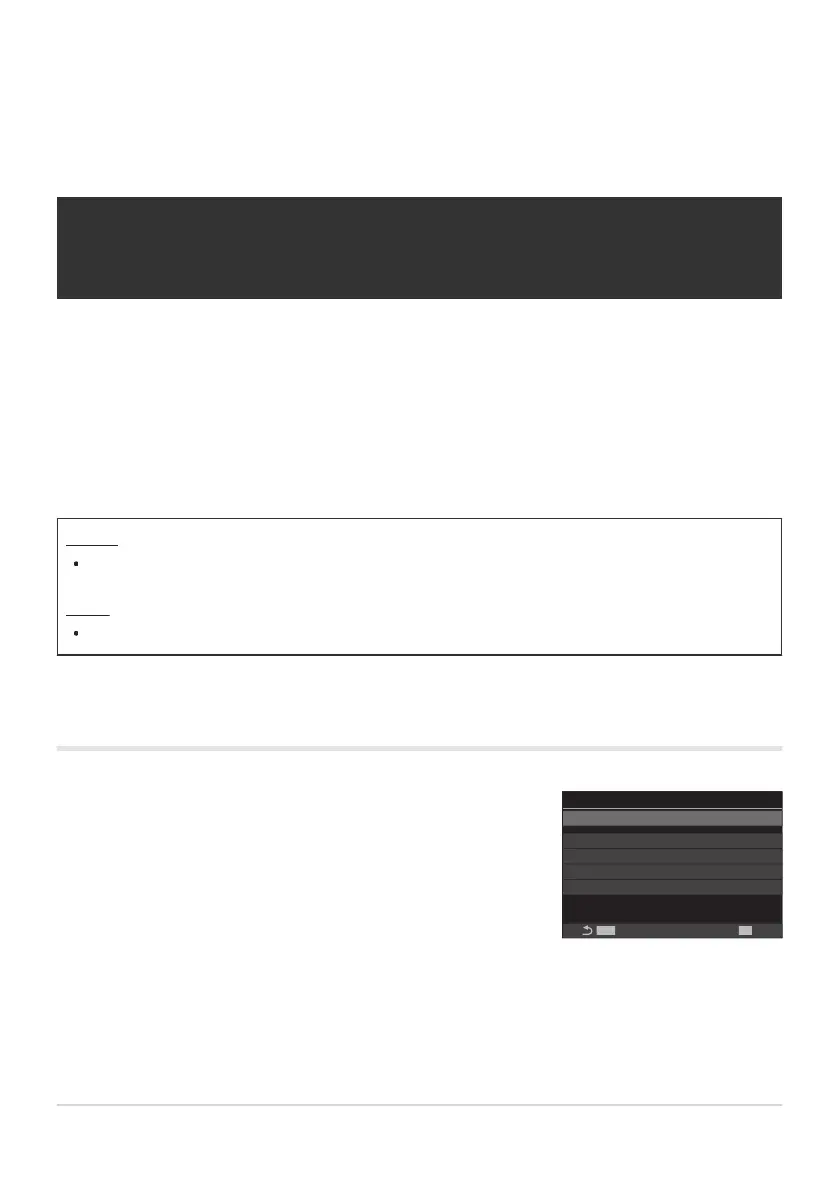
Use FG to select [High Res Shot] and press the OK button.
MENU
OK
H
F+RAW
12bit
Off
High Res Shot
High Res Shot
MX
M
RAW Recording Bit
Waiting Time 0sec
A
Charge Time 0sec
High Res Shot setting screen
Special shooting modes
(Computational Modes)
Shooting still pictures in a higher resolution
(High Res Shot)
Shoot at resolutions higher than that of the image sensor. The camera takes a series of shots while
moving the image sensor and combines them to create a single high-resolution photo. Use this option
to capture details that normally would not be visible even at high zoom ratios.
When High Res Shot is enabled, the image quality mode for High Res Shot can be selected using
[KX] (P.211).
Button
M Button
Menu
MENU U b U 1. Computational Modes U High Res Shot
Enabling High Res Shot
239
Shooting still pictures in a higher resolution
(High Res Shot)
1.



 To Next Page
 Loading...



