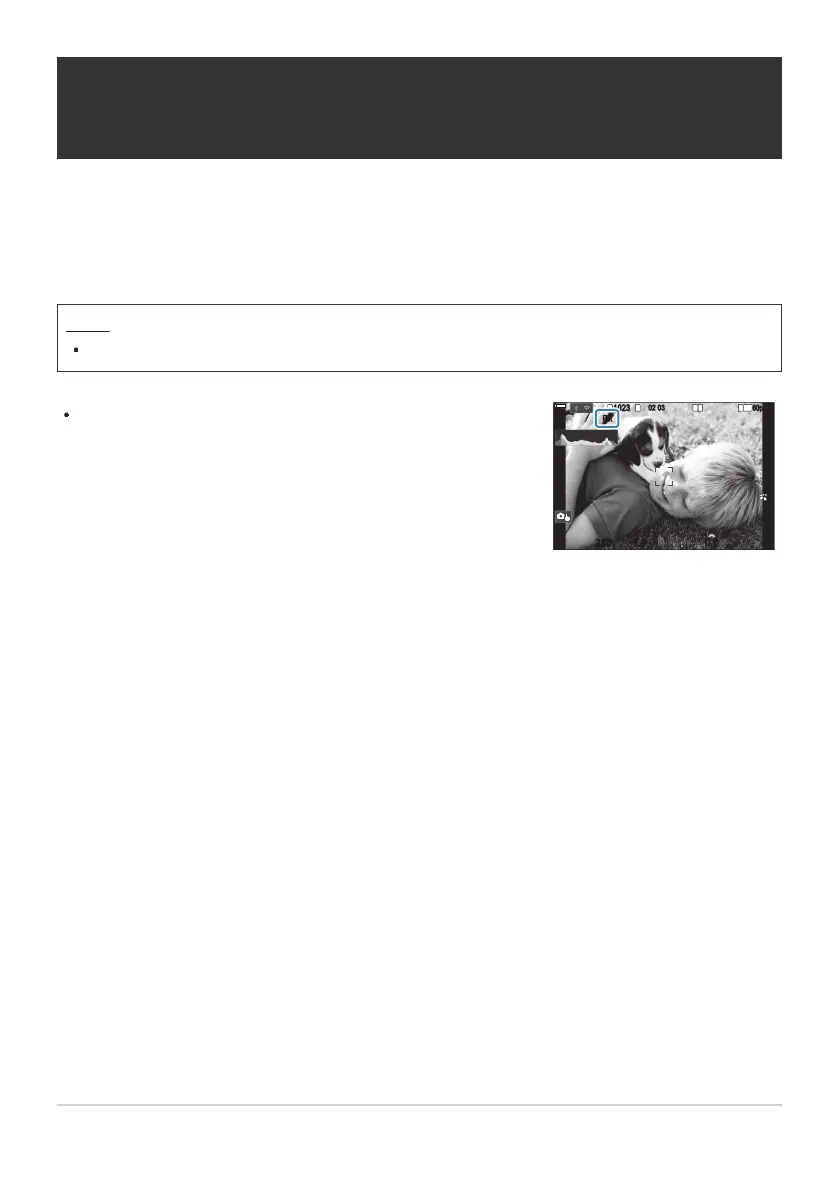
“FLK” appears in the display when [On] is selected.
FLK
1
10231023
P
1
/
250
P
1
/
F
250 5.65.6
1
1
[
1
:
02
:
03
][
1
:
02
:
03
]
FF
60p60p L
-
8L
-
8
S
-
AFS
-
AF
33
L
1
4K
F
00
+
-
0.00.0
100
%
100
%
Reducing Flicker in Photographs (Anti-Flicker
Shooting)
You may notice uneven exposure in photos taken under flickering light. When this option is enabled,
the camera will detect the flicker frequency and adjust the timing of the shutter release accordingly.
Menu
MENU U a U 7. Drive Mode U Anti-Flicker Shooting
The camera may be unable to detect flicker at some settings. Normal release timing will be used if
flicker is not detected.
Normal release timing is used at slow shutter speeds.
Enabling flicker reduction may cause release lag, slowing the frame advance rate during burst
photography.
203
Reducing Flicker in Photographs (Anti-Flicker
Shooting)
C
C
C


 To Next Page
 Loading...



