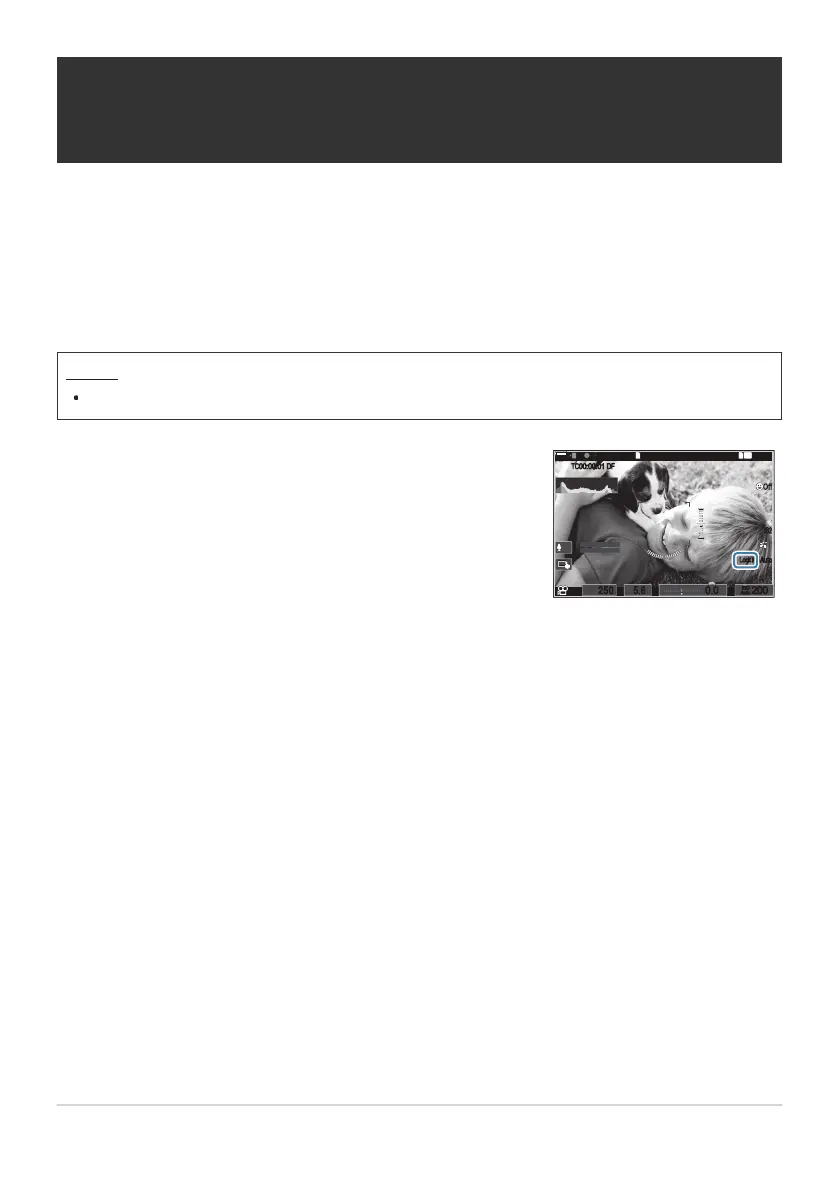
When you press the button, white balance is locked with the
currently selected settings and “Lock” appears to the left of
“WBAuto”. Lock is released when you press the button again.
145
min
145
min
REC
P
1
/
250
P
1
/
LL
R
F
250 5.65.6
1
[
1
:
02
:
03
][
1
:
02
:
03
]
60p60p L
-
8L
-
8
C
-
AFC
-
AF
M
-
IS2M
-
IS2
33
WBAu t oWB Aut o
OffOff
1
4K
ISO
Auto
ISO
Auto
F
00
+
-
0.00.0
REC
00:1200:12
±0±0
R
TC
00:00:01
TC
00:00:01
DFDF
200200
LockLock
Locking the white balance in movie mode
(nButton Function: NLock)
When the camera is in movie mode and the white balance is set to [WB Auto], you can lock the white
balance to prevent it from changing even if the subject or the lighting changes.
It is required that you assign WB Lock to a button using [Button Function] (P.334).
Button
A button to which [NLock] has been assigned
233
Locking the white balance in movie mode
(nButton Function: NLock)
C


 To Next Page
 Loading...



