Color and Quality
Setting the Quality of Photos and Movies
(KX / nX)
You can set the image quality modes for photos and movies. Select a quality suitable for the
application (such as for processing on PC, use on website etc.).
Super control panel
OK U KX / nX
Menu
MENU U a U 1. Basic Settings/Image Quality U KX
MENU U n U 1. Basic Settings/Image Quality U nX
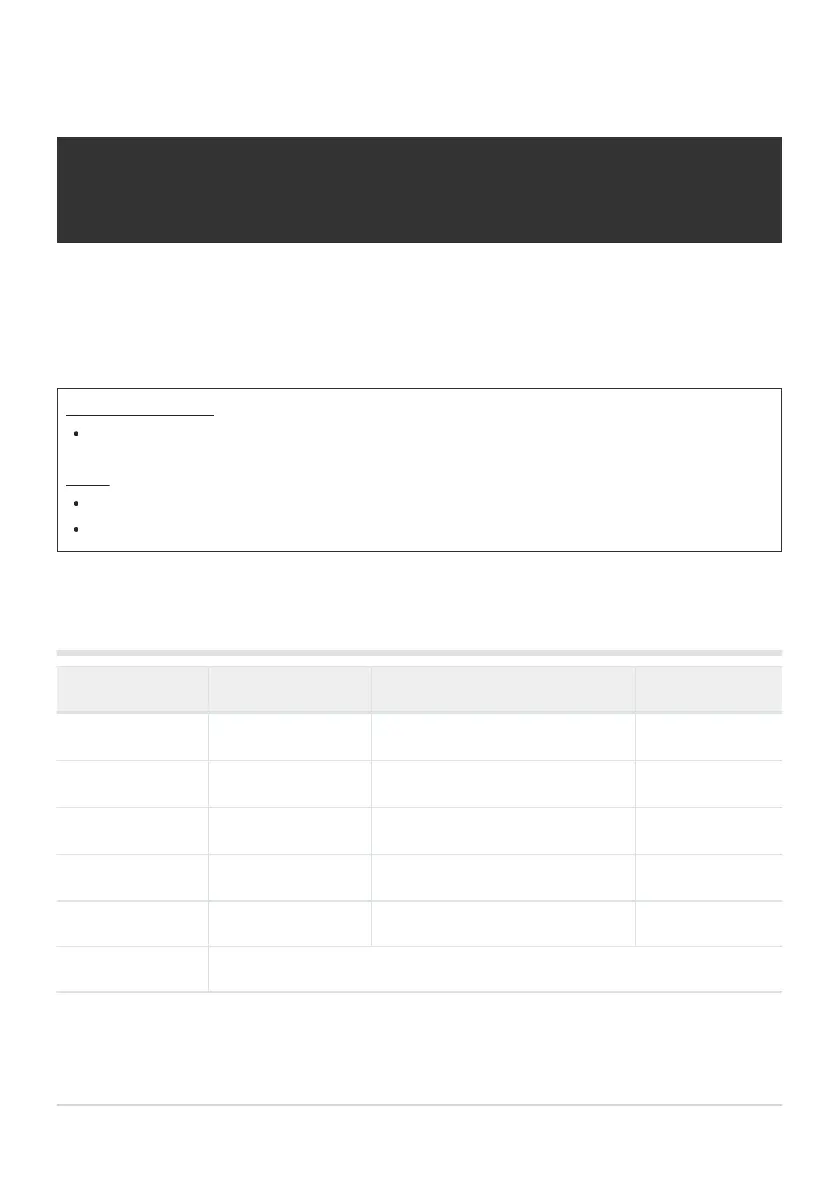
Configuring KX
Item Image size Compression ratio File format
LSF
5184× 3888 SuperFine (1/2.7) JPG
LF
5184× 3888 Fine (1/4) JPG
LN
5184× 3888 Normal (1/8) JPG
aN
3200× 2400 Normal (1/8) JPG
RAW 5184× 3888 Loss-less compression ORF
RAW+JPEG RAW plus the JPEG option selected above
The image size/compression combinations available can be selected in the menus.
g“Combinations of JPEG image sizes and compression rates (KX Detailed Settings)” (P.216)
211
Setting the Quality of Photos and Movies
(KX / nX)
B


 To Next Page
 Loading...



