Configure options.
Press FG to select an item and press the OK button to
display the setting menu.
After configuring options, press the OK button to return to
Live ND Shooting setting screen.
MENU
OK
ND8(3EV)
On
On
Live ND Shooting
Live ND Shooting
ND Number
LV Simulation
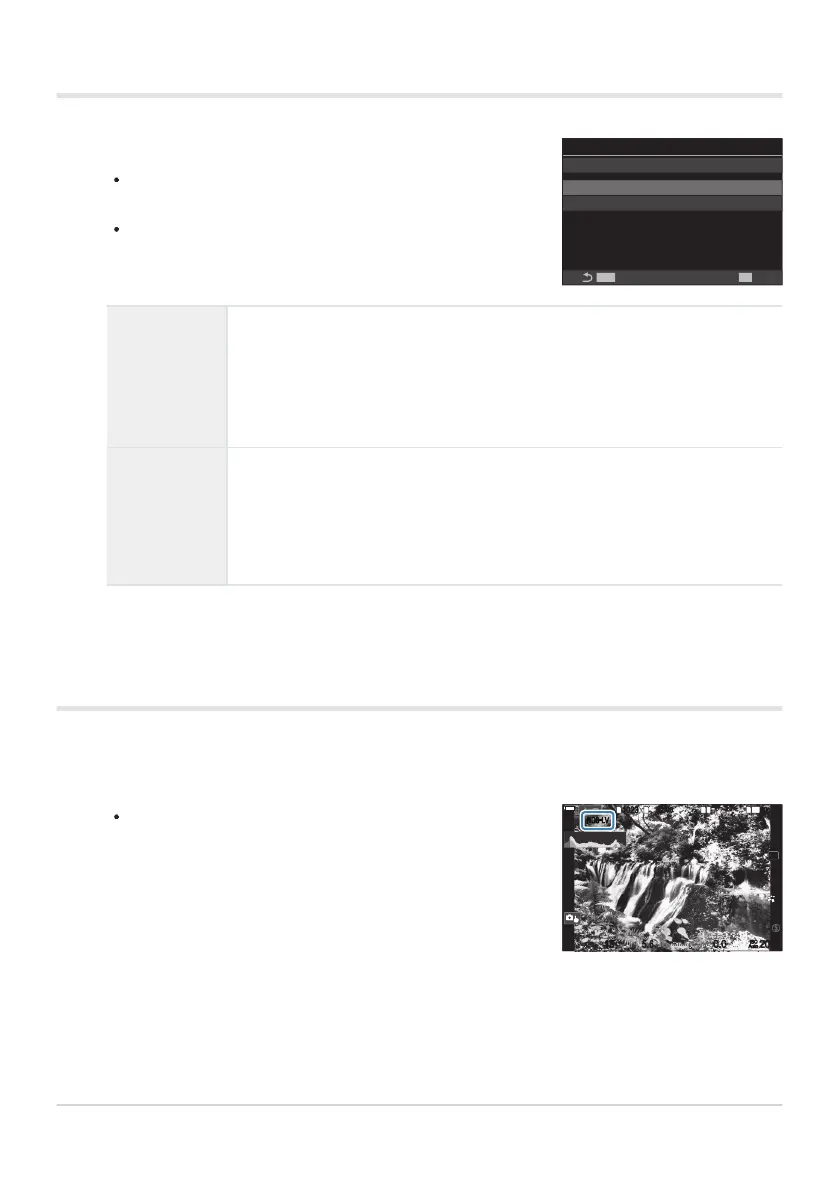
An icon appears in the display.
SS
S
-
AFS
-
AF
33
1
10231023
1
1
[
1
:
02
:
03
][
1
:
02
:
03
]
FF
60p60p L
-
8L
-
8
L
1
4K
100
%
100
%
1
/
151
/
F
15 5.65.6
200200
ISO
Auto
ISO
Auto
F
00
+
-
0.00.0
ND8
-
LV
Configuring Live ND Shooting
ND Number
Choose an ND filter type; the camera will convert it to an exposure value
and reduce exposure by that amount. Options are available in increments of
1EV:
[ND2(1EV)], [ND4(2EV)], [ND8(3EV)], [ND16(4EV)], [ND32(5EV)],
[ND64(6EV)], [ND128(7EV)]
LV Simulation
Choose whether to preview the effect of the selected filter at the current
shutter speed.
[Off]: Use the standard shooting display.
[On]: The effects of shutter speed are shown in the display.
Shooting
Press the MENU button to close the Live ND Shooting setting screen and return to shooting
screen.
244
Slowing the Shutter in Bright Light (Live ND
Shooting)
1.
1.


 To Next Page
 Loading...



