Highlight the a tab using the front dial.
21
AF
My
1
Custom Mode
1.
KX
KX
Detailed Settings
Image Aspect
Shading Comp.
Basic Settings/Image Quality
Image Review
4:3
Off
Off
L
F
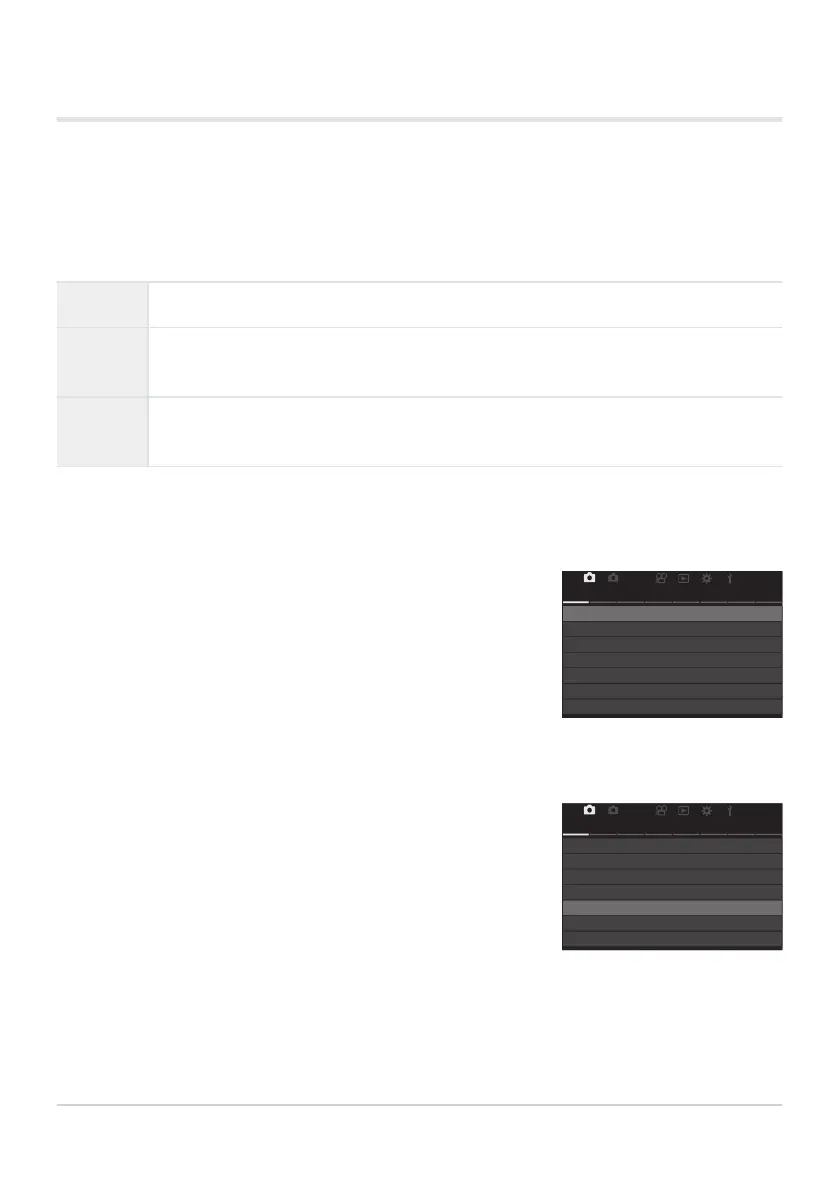
Highlight [Image Review] using the FG buttons and press
the OK button.
21
AF
My
1
Custom Mode
1.
KX
KX
Detailed Settings
Image Aspect
Shading Comp.
Basic Settings/Image Quality
Image Review
4:3
Off
Off
L
F
Photo Review (Image Review)
Pictures are displayed immediately after shooting. This gives you a chance to quickly review the shot.
You can choose how long pictures are displayed or disable photo review altogether.
To end photo review and resume shooting at any time, press the shutter button halfway.
0.3–20sec Choose how long photos are displayed.
Off
Photo review disabled. The camera continues to display the view through the lens after
shooting.
Autoq
Switch to playback after shooting. You can delete images and perform other playback
operations.
Press the MENU button to view the menus.
Highlight [1. Basic Settings/Image Quality] using the HI buttons or the rear dial.
56
Shooting still pictures
1.
2.
3.
4.


 To Next Page
 Loading...



