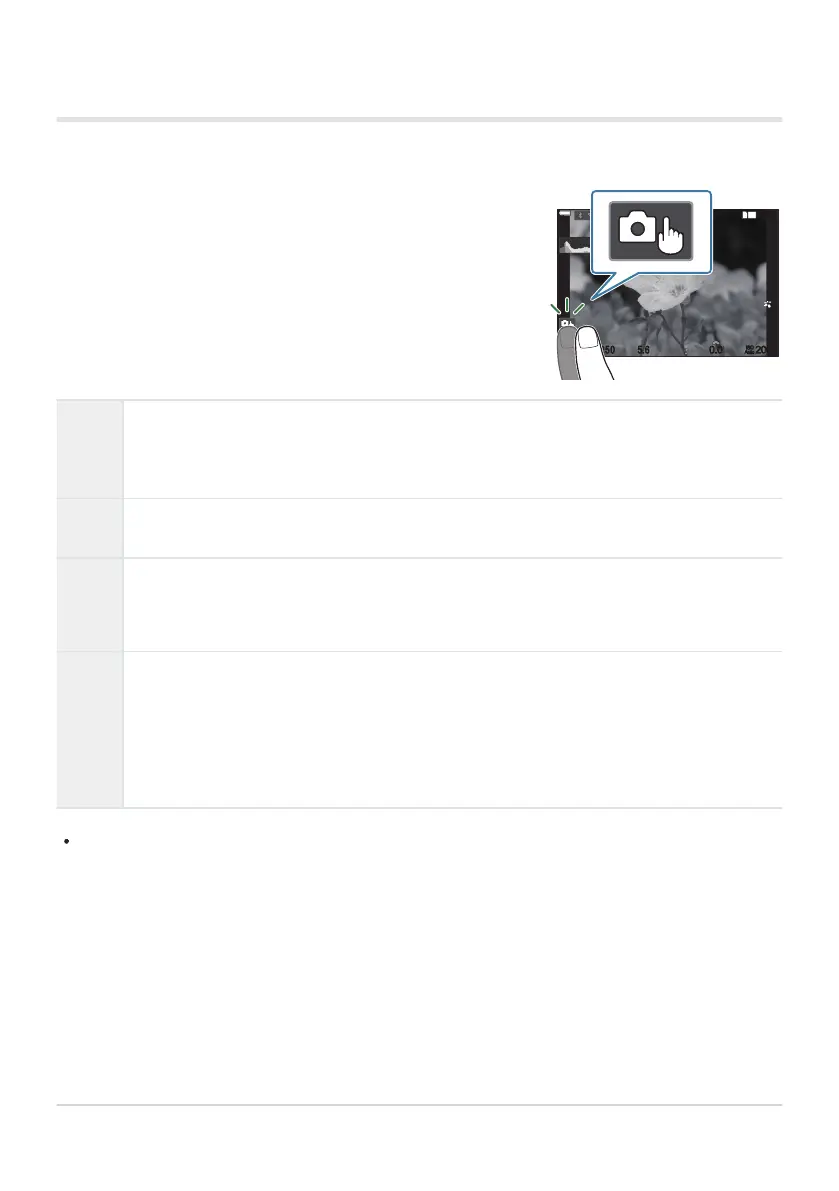
You can tap the subject to focus and take a photograph.
1
10231023
P
1
/
250
P
1
/
F
250 5.65.6
1
1
[
1
:
02
:
03
][
1
:
02
:
03
]
FF
60p60p L
-
8L
-
8
S
-
AFS
-
AF
33
200200
L
1
4K
ISO
Auto
ISO
Auto
F
00
+
-
0.00.0
100
%
100
%
Shooting with touch screen operations
E
Tap a subject to focus and automatically release the shutter. This option is not available
in mode B (bulb), in n (movie) mode, or when [RAF] or [RAFJ] is selected for AF
mode (P.100).
F
Shooting with touch screen operations is disabled.
G
Tap to display an AF target and focus on the subject in the selected area. You can use
the touch screen to choose the position and size of the focus frame. Photographs can be
taken by pressing the shutter button.
I
When the camera detects a subject, tap the subject to lock onto it as the main subject to
focus on. Tap X to release the lock. I is displayed when [Subject Detection] is set to
a setting other than [Off] (P.120).
Subject selection is not available when [3120/60pL-8] (high-speed movie recording)
is selected for [nX] in n (movie) mode (P.212).
Tapping an icon switches the settings.
Do not tap the display with your fingernails or other sharp objects.
Gloves or monitor covers may interfere with touch screen operation.
54
Shooting still pictures
C
C
C


 To Next Page
 Loading...




