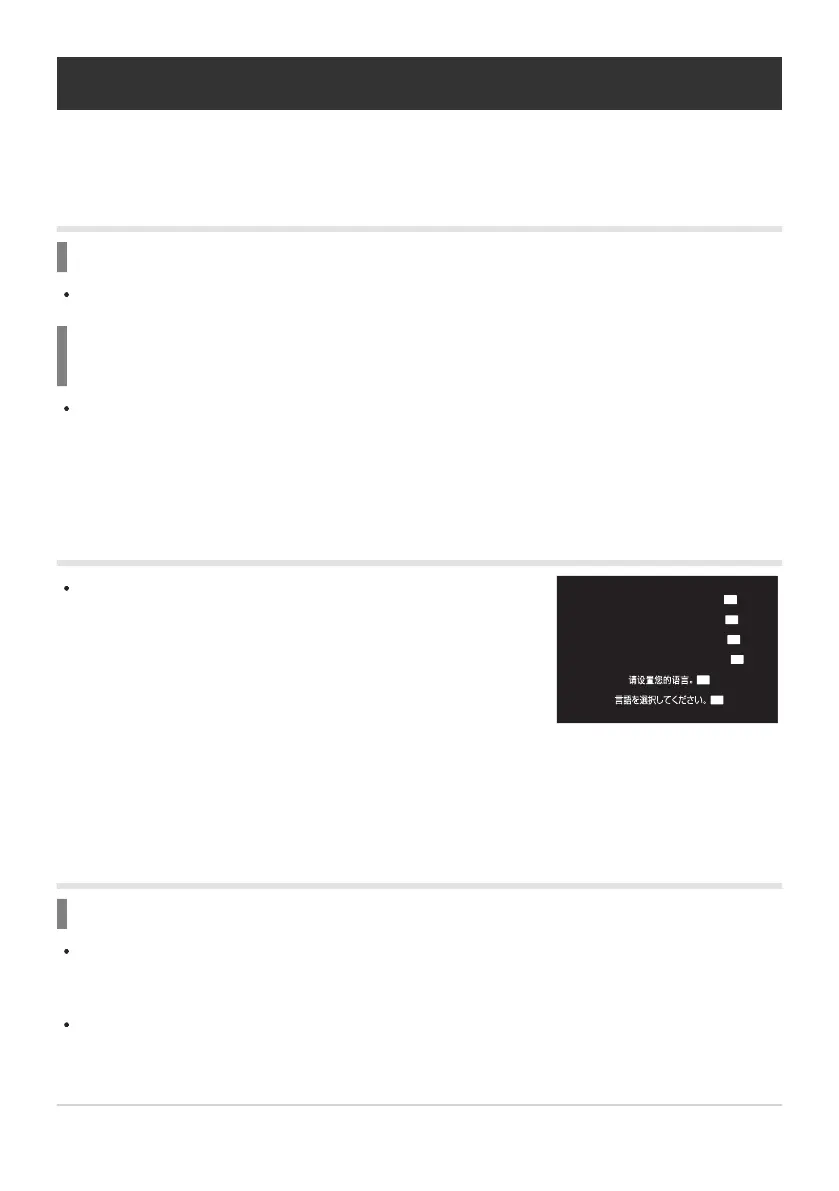
The dialog is displayed in the following situations.
The camera is turned on for the first time.
You have not chosen a language.
-
-
Please select your language.
Por favor, selecciona tu idioma.
Veuillez choisir votre langue.
Bitte wählen Sie Ihre Sprache.
OK
OK
OK
OK
OK
OK
Shooting tips and information
The camera does not turn on even when a battery
is loaded
The battery is not fully charged
Charge the battery using a USB-AC adapter or battery charger.
The battery is temporarily unable to function because of
the cold
Battery performance drops at low temperatures. Remove the battery and warm it by putting it in
your pocket for a while.
A dialog prompting you to choose a language is
displayed
See “Initial setup” (P.41) for information on choosing a language.
No picture is taken when the shutter button is
pressed
The camera has turned off automatically
If [On] is selected for [Quick Sleep Mode], the camera will enter sleep mode if no operations are
performed for a set period. Press the shutter button halfway to exit the sleep mode. g[Quick
Sleep Mode] (P.413)
The camera automatically enters sleep mode to reduce the drain on the battery if no operations are
performed for a set period of time. g[Sleep] (P.411)
495
Shooting tips and information


 To Next Page
 Loading...



