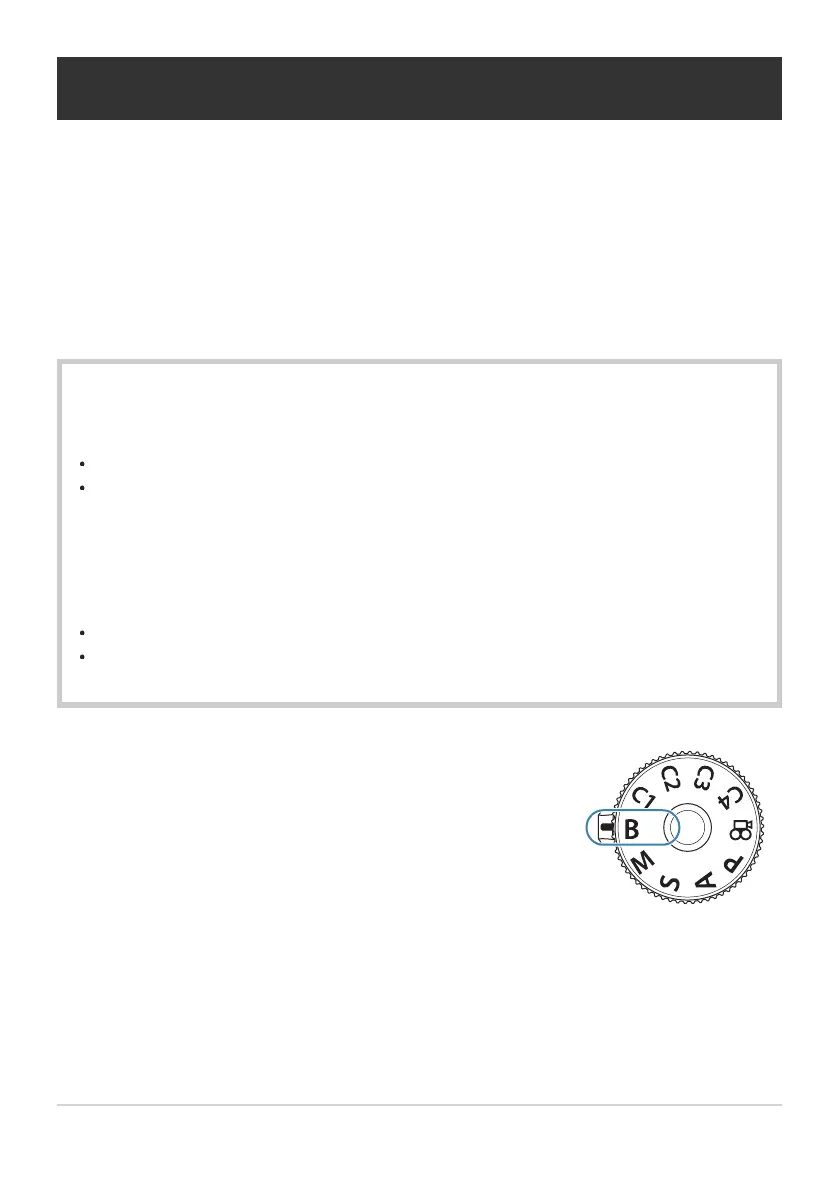
Rotate the mode dial to B.
Long Exposures (B: Bulb/Time)
Select this mode to leave the shutter open for a long exposure. You can preview the photo in live
view and end the exposure when the desired results have been achieved. Use when long exposures are
required, for example when photographing night scenes or fireworks.
For long exposure shooting, it is recommended that you fix the camera securely on a tripod and set
[KImage Stabilizer] (P.204) to [S-IS Off].
“Bulb” and “Live Bulb” Photography
The shutter remains open while the shutter button is pressed. Releasing the button ends the
exposure.
The amount of light entering the camera increases the longer the shutter is open.
When live bulb photography is selected, you can check the results in the live view display and
end exposure when you want to.
“Time” and “Live Time” Photography
The exposure begins when the shutter button is pressed all the way down. To end the exposure,
press the shutter button all the way down a second time.
The amount of light entering the camera increases the longer the shutter is open.
When live time photography is selected, you can check the results in the live view display and
end exposure when you want to.
68
Long Exposures (B: Bulb/Time)
C
1.


 To Next Page
 Loading...




