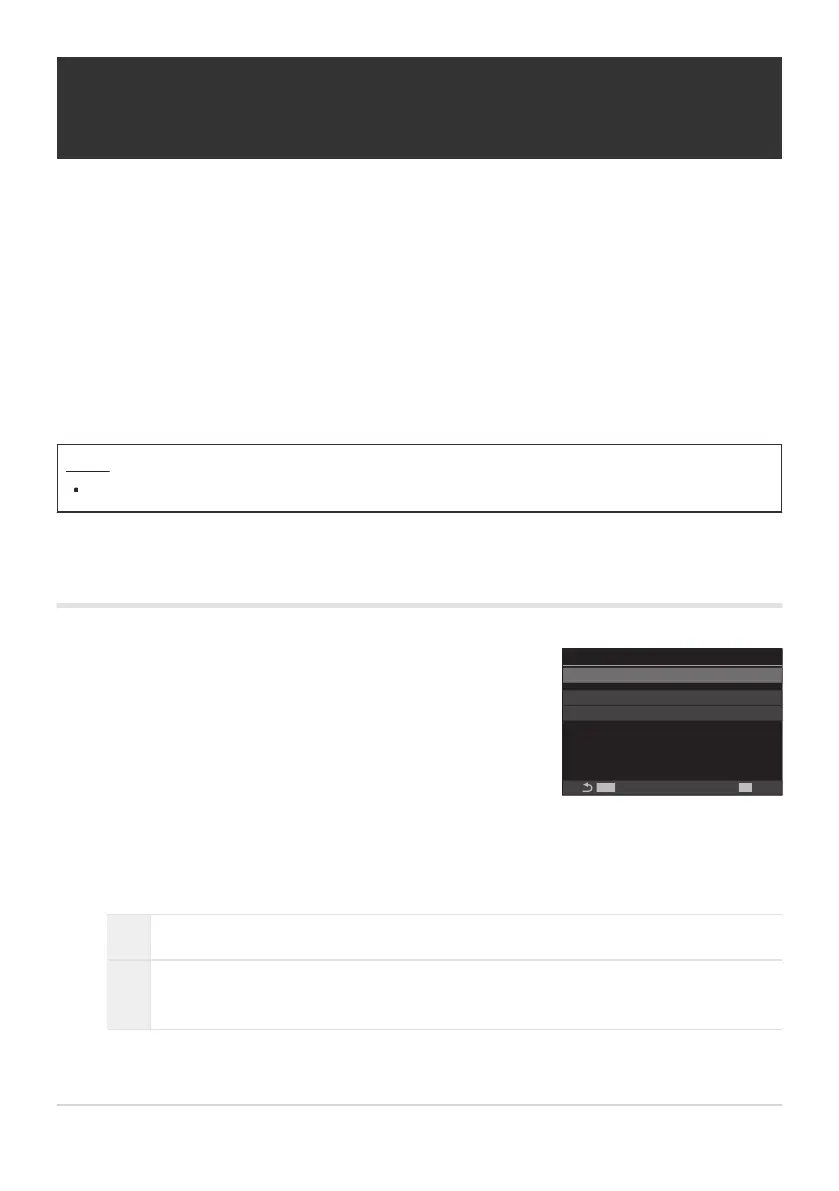
Use FG to select [Quick Sleep Mode] and press the OK
button.
Quick Sleep Mode
Quick Sleep Mode
MENU
OK
Backlit LCD 8sec
Sleep 10sec
Off
Quick Sleep Mode setting
screen
Reducing Power Consumption (Quick Sleep
Mode)
Further reduce power consumption during viewfinder photography. The delay before the backlight
turns off or the camera enters sleep mode can be shortened.
Power saving is not available:
during live view photography, while the viewfinder is on, while multiple exposure or interval
timer photography is in progress, while connected to an HDMI device, while connecting to a
smartphone via Wi-Fi, while connecting to a computer via Wi-Fi or USB, or while Bluetooth is
enabled
Menu
MENU U e U 5. Battery/Sleep U Quick Sleep Mode
Enabling Quick Sleep Mode
Highlight [On] using the FG buttons and press the OK button.
Off The camera does not enter power-saving mode.
On
The camera is quick to enter power-saving mode. When power-saving is in effect and
the super control panel is displayed (P.47), “ECO” is displayed on the monitor.
The display returns to the Quick Sleep Mode setting screen.
413
Reducing Power Consumption (Quick Sleep
Mode)
C
-
1.
2.
3.


 To Next Page
 Loading...



