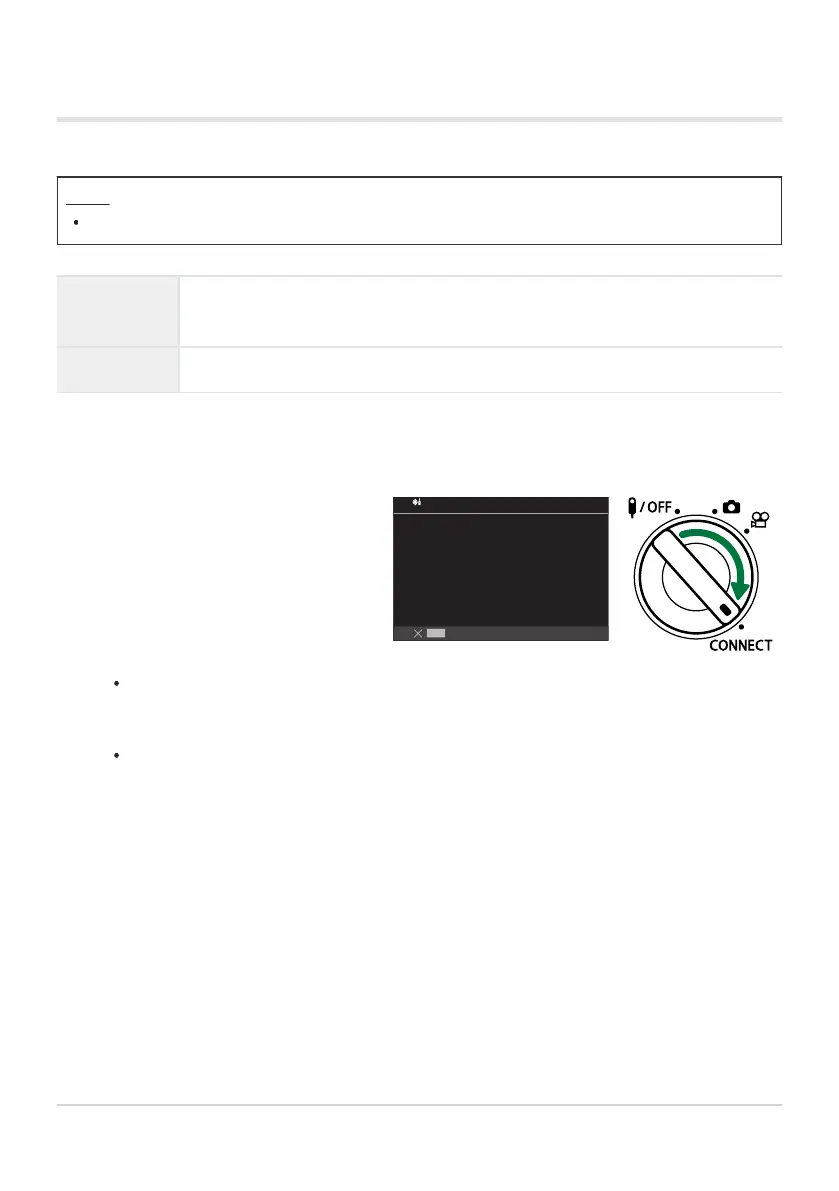
When a message is displaying stating
that pairing is in progress, rotate the
mode dial on the remote control to
CONNECT and keep it in this position.
Wireless Shutter Setting
Pairing in progress.
Please perform pairing operation
on the wireless shutter release.
MENU
Wireless connection
For wireless connection, you must pair the camera and the remote control first.
Menu
MENU U e U 4. Wi-Fi/Bluetooth U Wireless Shutter Setting
Start Pairing
Follow the on-screen instructions. When pairing is complete, [Bluetooth] will be
set to [OnL].
Delete Pairing If you select [Yes] and press the OK button, the paired device will be deleted.
Highlight [Start Pairing] and press the OK button.
Pairing starts when it is kept 3 seconds. Keep it in the CONNECT position until pairing is
complete. If you rotate the mode dial before it is complete, the data transfer indicator flashes
rapidly.
The data transfer indicator lights when pairing starts.
455
Connection
1.
2.


 To Next Page
 Loading...



