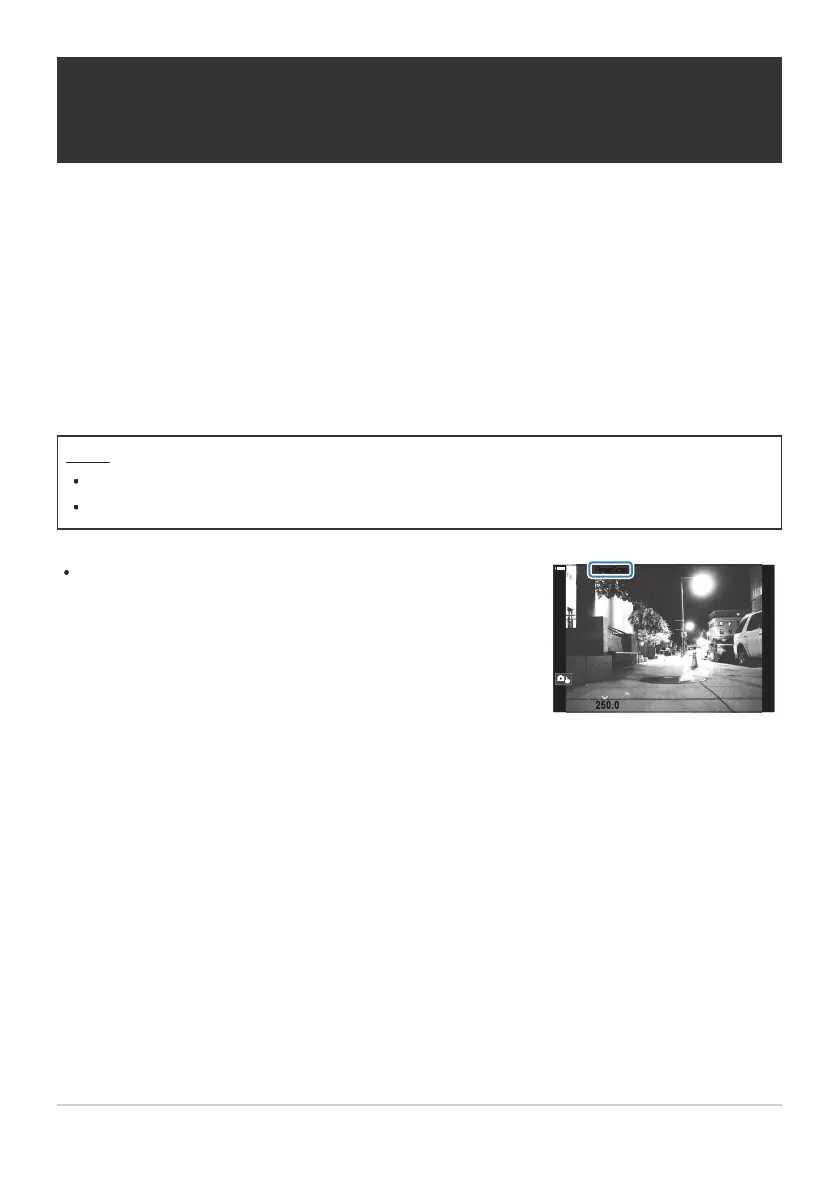
When set to [On], “FlickerScan” will be displayed.
100
%
100
%
S
1
/
250.0
S
1
/
250.0
FlickerScanFlickerScan
Reducing Flicker Under LED Lighting
(KFlicker Scan / nFlicker Scan)
Banding may occur in photographs taken under LED lighting. Use [KFlicker Scan] / [nFlicker
Scan] to optimize shutter speed while viewing banding in the display.
K: This item can be used in silent mode and with Pro Capture shooting while using S or M
shooting mode.
n: This item can be used when [nMode] (movie exposure mode) is [S] or [M].
The range of available shutter speeds is reduced.
Menu
MENU U a U 4. Exposure U K Flicker Scan
MENU U n U 1. Basic Settings/Image Quality U n Flicker Scan
Focus peaking and the LV super control panel are not available in the flicker scan display. To view
these items, first press the INFO button to exit the flicker scan display.
157
Reducing Flicker Under LED Lighting (KFlicker
Scan / nFlicker Scan)
C
C
C


 To Next Page
 Loading...



