Image Stabilization
Reducing camera shake (KImage Stabilizer /
nImage Stabilizer)
You can reduce the amount of camera shake that can occur when shooting in low light situations or
shooting with high magnification.
Super control panel
OK U KImage Stabilizer / nImage Stabilizer
Menu
MENU U a U 8. Image Stabilizer U KImage Stabilizer
MENU U n U 4. Image Stabilizer U nImage Stabilizer
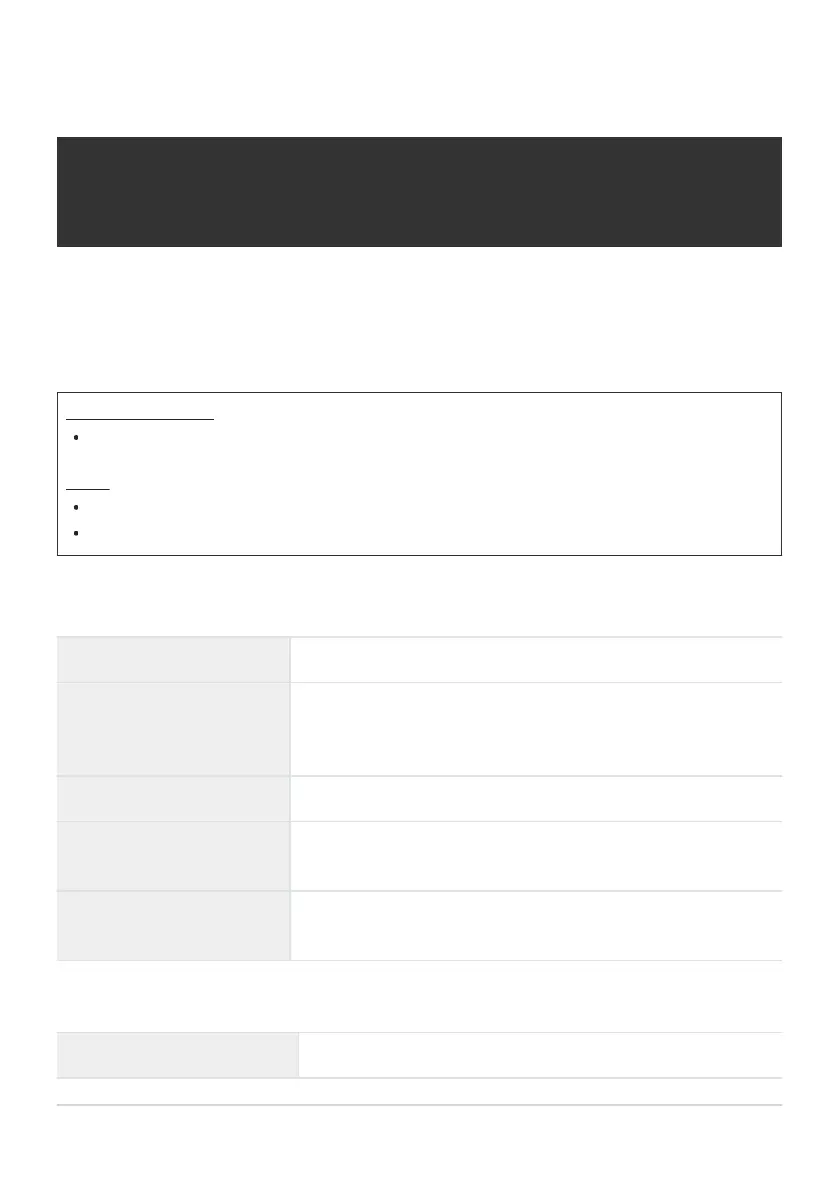
KImage Stabilizer
S-IS Off (Still-I.S. Off) Image stabilizer is off. Select this option when using a tripod.
S-IS Auto (Auto I.S.)
Image stabilization applies to motion on all axes.
If panning motion is detected, the camera will automatically
suspend image stabilization on that axis.
S-IS1 (All Direction Shake I.S.) Image stabilization applies to motion on all axes.
S-IS2 (Vertical Shake I.S.)
Image stabilization applies to vertical motion.
Use when panning the camera horizontally.
S-IS3 (Horizontal Shake I.S.)
Image stabilization applies to horizontal motion.
Use when panning the camera vertically.
nImage Stabilizer
M-IS Off (Movie-I.S. Off) Image stabilizer is off.
204
Reducing camera shake (KImage Stabilizer /
nImage Stabilizer)


 To Next Page
 Loading...



