Use FG to select [Live ND Shooting] and press the OK
button.
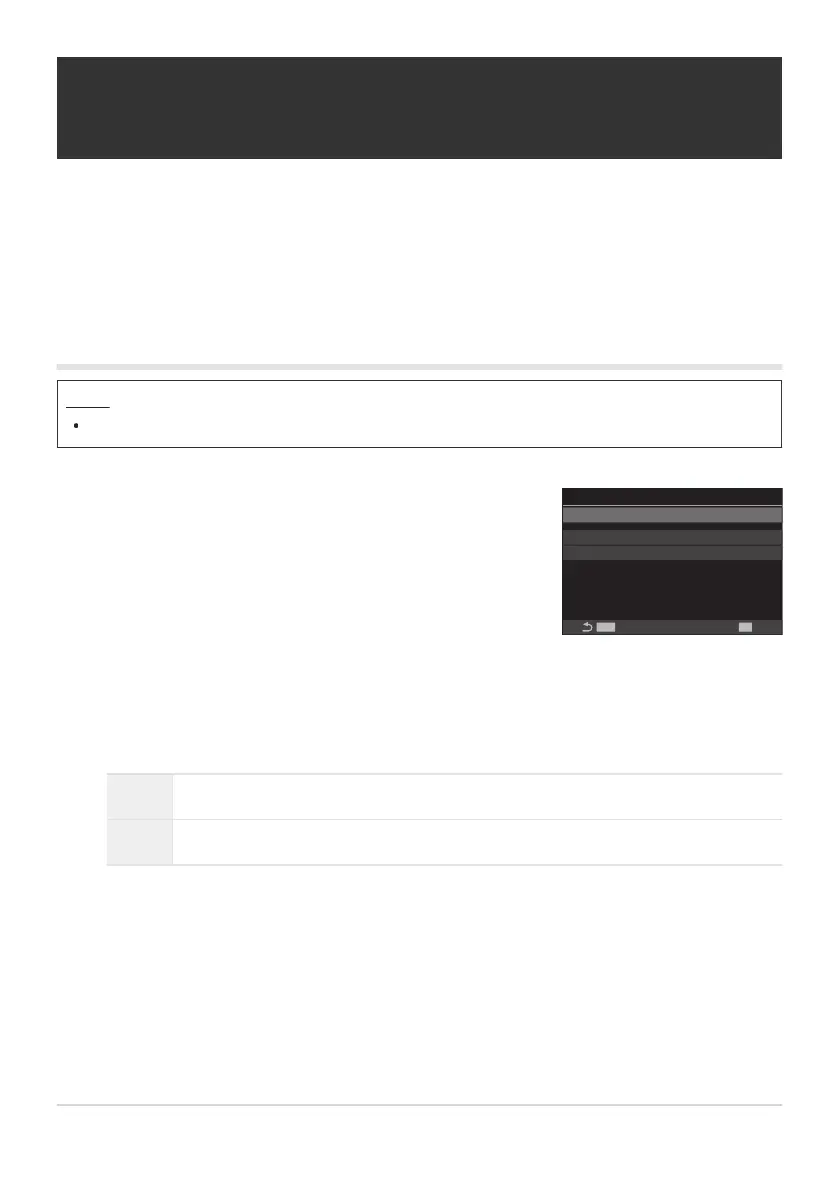
Live ND Shooting
Live ND Shooting
MENU
OK
ND Number ND8(3EV)
LV Simulation On
Off
Live ND Shooting setting
screen
Slowing the Shutter in Bright Light (Live ND
Shooting)
The camera combines a series of exposures to create a single photo, giving the appearance of a single
photo taken at a slow shutter speed.
Enabling Live ND Shooting
Menu
MENU U b U 1. Computational Modes U Live ND Shooting
Highlight [On] using the FG buttons and press the OK button.
Off Pictures are taken without using this function.
On Pictures are taken with the slow shutter effect enabled.
The display returns to the Live ND Shooting setting screen.
243
Slowing the Shutter in Bright Light (Live ND
Shooting)
1.
2.
3.


 To Next Page
 Loading...



