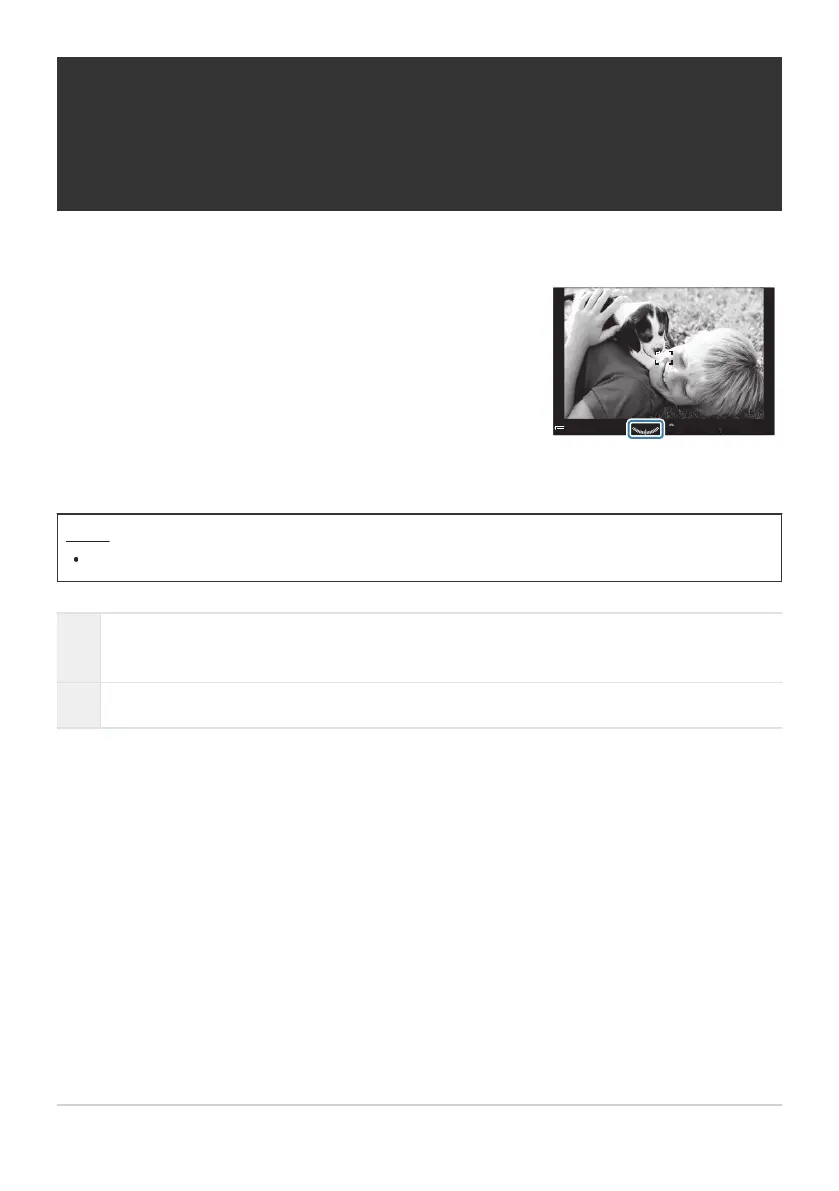
Choose whether the level gauge can be displayed in the viewfinder
by pressing the shutter button halfway when [qStyle 1] or
[qStyle 2] is selected for [EVF Style] (P.368).
0.00.0
200200
ISO
Auto
ISO
Auto
WB AutoWB A uto
[
99
][
99
]
10231023
1
/
250
1
/
F
250
5.65.6
F
PP
100
%
100
%
Display when shutter button is
pressed halfway
Displaying the Level Gauge when the shutter
button is pressed halfway (q6 Level
Gauge)
Menu
MENU U C U 4. Information U q6 Level Gauge
On
The level gauge is displayed in the viewfinder while the shutter button is pressed halfway. The
level gauge appears in place of the exposure bar.
Off The level gauge is not displayed.
376
Displaying the Level Gauge when the shutter
button is pressed halfway (q6 Level Gauge)



 To Next Page
 Loading...



