Configure options.
Press FG to select an item and press the OK button to
display the setting menu.
After configuring options, press the OK button to return to
Quick Sleep Mode setting screen.
MENU
OK
On
Quick Sleep Mode
Quick Sleep Mode
Backlit LCD 8sec
Sleep 10sec
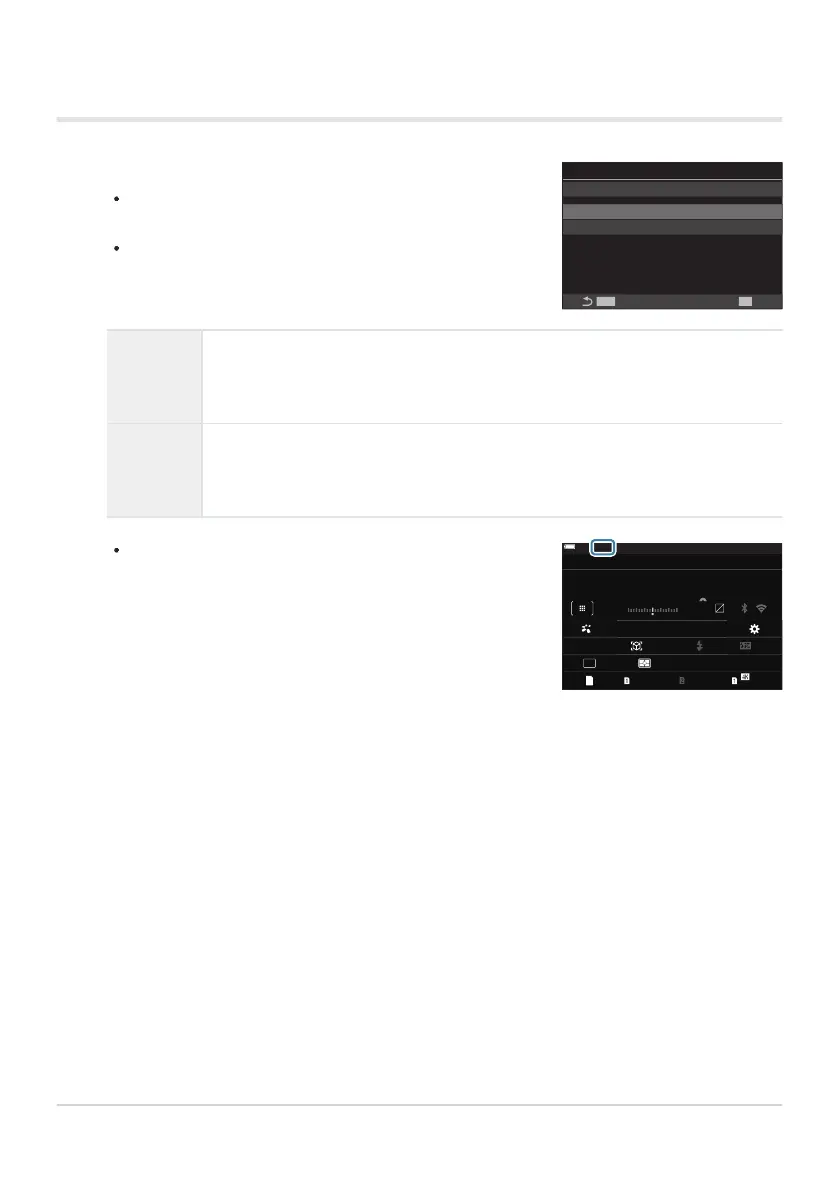
When power-saving is in effect and the super control panel
is displayed (P.47), “ECO” is displayed on the monitor.
L
F
1023 1:02:03
S-IS Auto
±
0.3
2024.01.01 16:30:43
0.0
5.6 200250P
Small
S-AF
4 : 3
1/ Auto
ISO
L
F
0
60p L
-
8
Off
3
0
+
-
100
%
100
%
±
F
WB Auto
ECO
Configuring Quick Sleep Mode
Backlit
LCD
Choose the length of time before the monitor backlight dims when no
operations are performed.
[3sec] / [5sec] / [8sec]
Sleep
Choose the delay before the camera enters sleep mode when no operations
are performed.
[3sec] / [5sec] / [8sec] / [10sec] / [15sec] / [30sec] / [1min]
414
Reducing Power Consumption (Quick Sleep
Mode)
1.


 To Next Page
 Loading...




