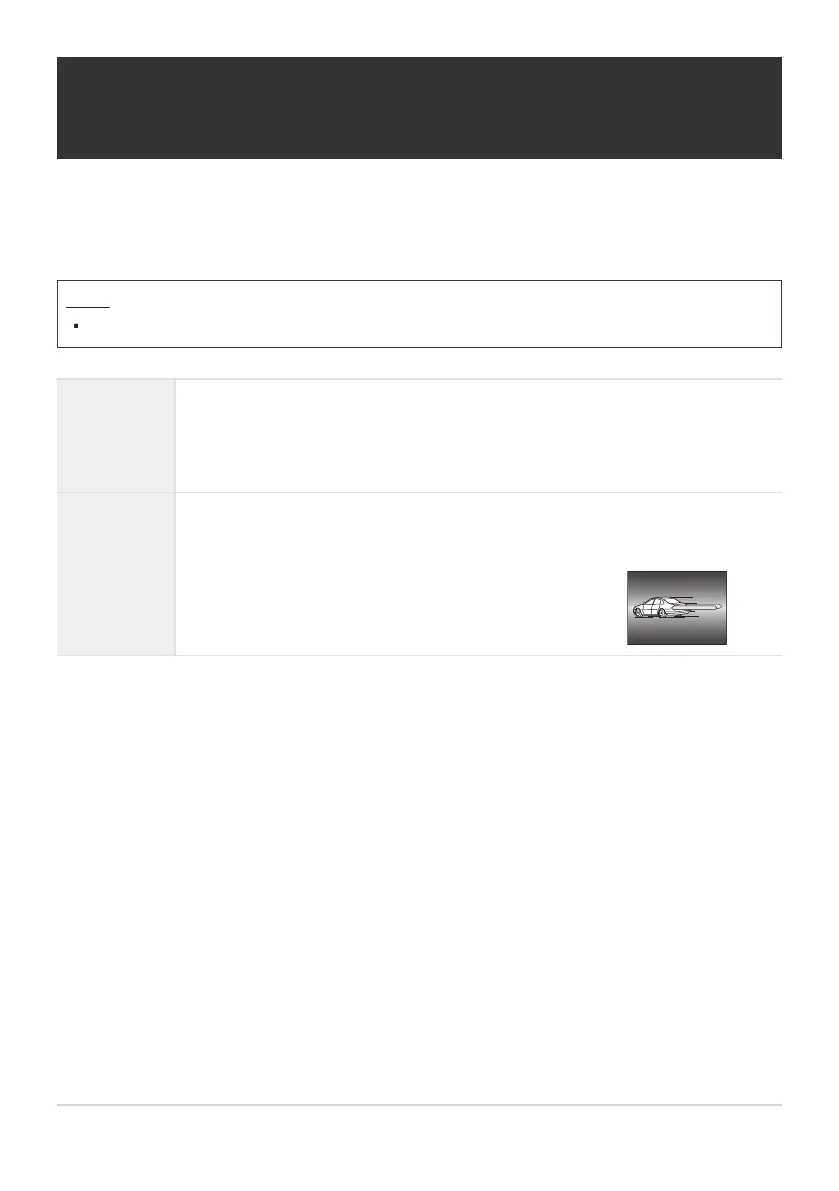
[Second Curtain]: The flash fires immediately before
the shutter closes. Moving objects appear to leave
trails of light behind them.
Configuring flash modes (Flash Mode
Settings)
Choose which modes are displayed on the flash mode selection screen.
Menu
MENU U a U 6. Flash U Flash Mode Settings
Reduce Red-
eye
Reduce “red-eye” in portrait photos.
[No]: The camera does not display Reduce Red-eye modes.
[Yes]: The camera displays Reduce Red-eye modes.
Synchro
Settings
Choose when the flash fires.
[First Curtain]: The flash fires when the shutter is fully open.
183
Configuring flash modes (Flash Mode Settings)


 To Next Page
 Loading...



