Select [nFn Lever Function] on the [Fn Lever Settings]
screen and press the OK button.
n
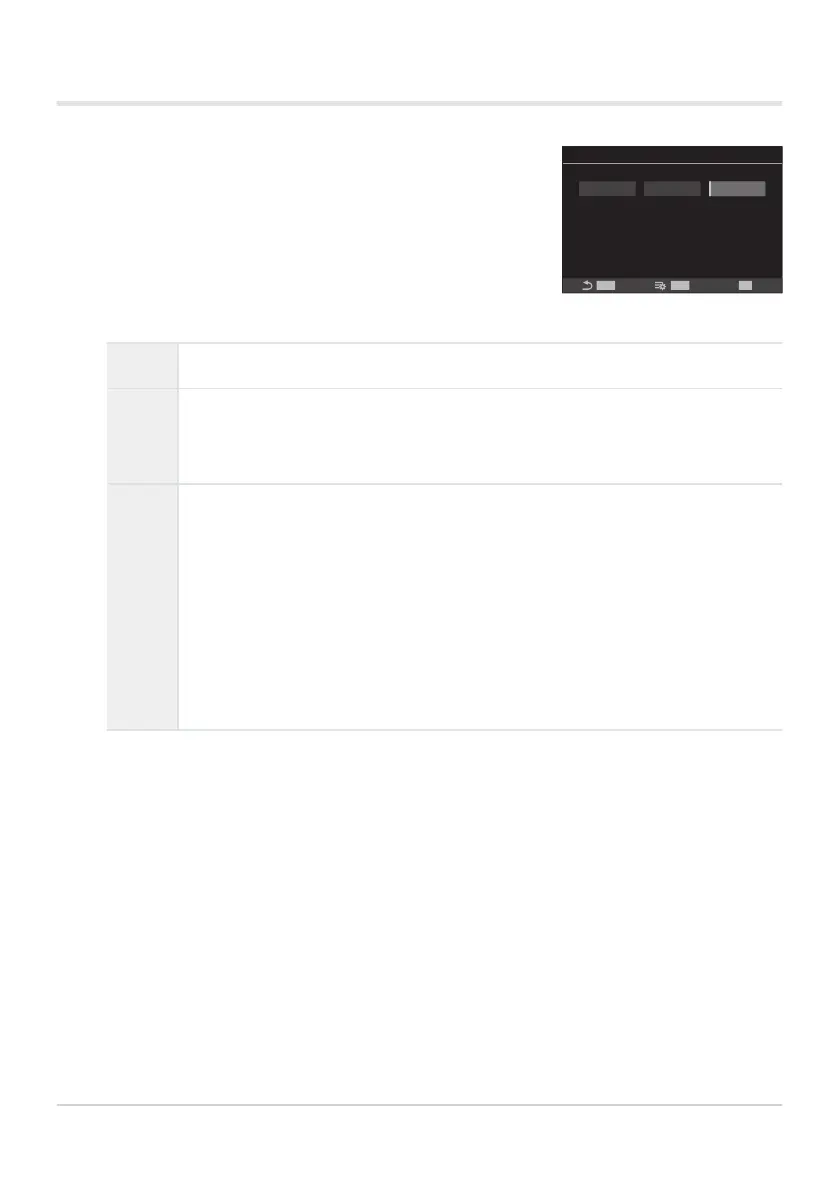
Fn Lever Function
mode1Off mode2
Switches AF mode/AF target mode/
AF target point according
to Fn lever position.
Target can be selected.
MENU
OK
INFO
Fn Lever Function screen
Configuring [nFn Lever Function]
Off Changing the position of the Fn lever has no effect.
mode1
Switch the functions of the front and rear dials by changing the position of the
Fn lever. The functions for Positions 1 and 2 conform to the setting selected for
[nDial Function] (P.347).
mode2
Switch between two groups of settings previously selected for [AF Mode], [AF
Target Mode], and [AF Target Point].
Press the INFO button and put a check (P) next to a setting that you want to
recall with the Fn lever.
To remove the check, press the OK button again.
[AF Mode]: S-AF, C-AF, etc.
[AF Target Mode]: oSmall, bAll, etc.
[AF Target Point]: AF-target position
This function cannot be used in the following cases.
[mode3] is selected for [KFn Lever Function] (P.352).
[Fn Lever/Power Lever] (P.356) is set to [ON/OFF] or [OFF/ON].
354
Customizing the Fn Lever (Fn Lever Settings)
1.
C
-
-


 To Next Page
 Loading...



