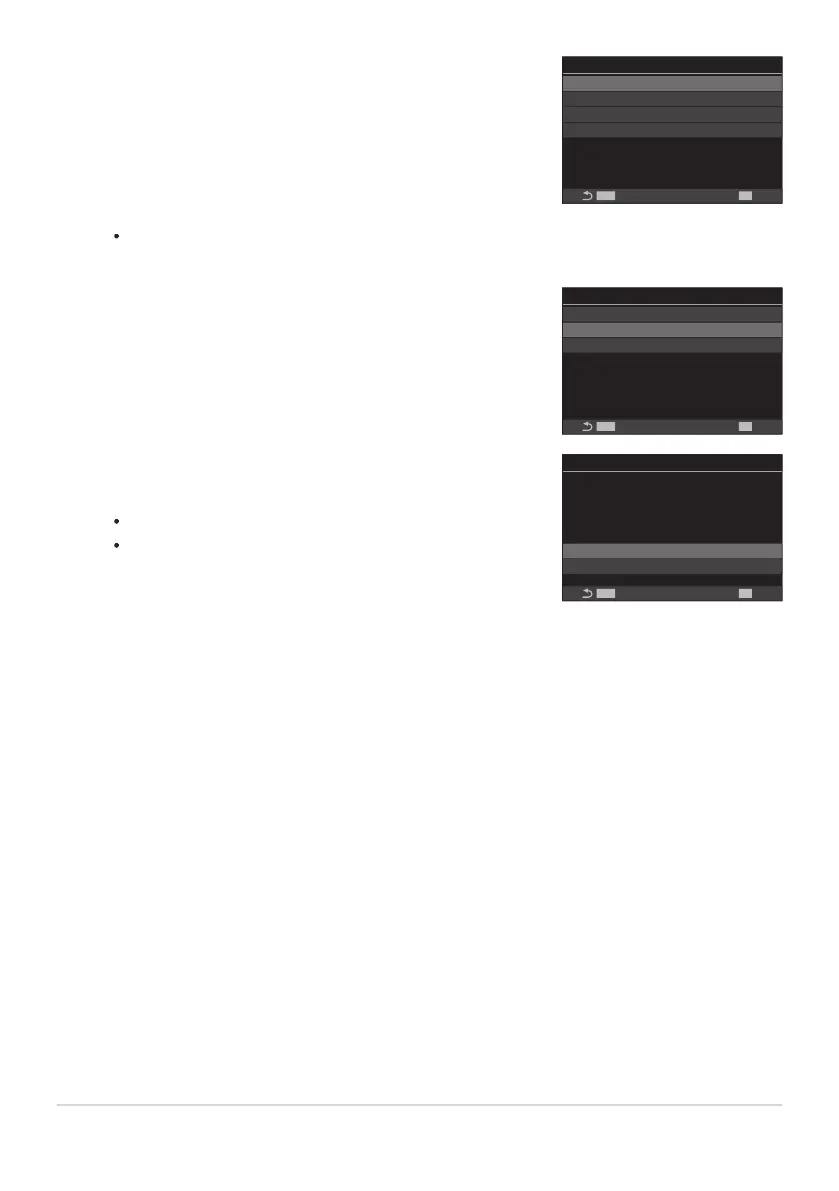
Highlight the desired custom mode ([C1]–[C4]) using FG
buttons and press the OK button.
Custom Mode
C2
--
C3
C1
--
--
C4
--
MENU
OK
Highlight [Assign] using the FG buttons and press the OK
button.
C1
Assign
--
Save Settings
Recall
Reset
MENU
OK
Highlight [Set] using the FG buttons and press the OK
button.
Any existing settings will be overwritten.
To restore default settings for the selected custom mode,
highlight [Reset] and press the OK button.
C1
Set
Reset
MENU
OK
Set current shooting
mode and settings.
The menu for the selected custom mode will be displayed.
Press the MENU button to exit the menus.
Custom modes can be updated automatically to reflect any changes made to settings (C1, C2, C3,
C4) during shooting. g“Saving the Changes Made to Settings while in Custom Modes” (P.77)
74
Saving Custom Settings to the Mode Dial (C1,
C2, C3, and C4 Custom Modes)
6.
7.
8.
9.
B


 To Next Page
 Loading...



