Flash Mode: SLOW
This setting is available only in P/A modes.
[Reduce Red-
eye]
1
[Synchro Settings]
1
Super control
panel display
Reduce Red-
eye
Flash timing
[No]
[First Curtain]
ASlow
No
Front-curtain sync
[Second Curtain]
ASlow2
Rear-curtain sync
[Yes]
[First Curtain]
9Slow
Yes
Front-curtain sync
[Second Curtain]
9Slow2
Rear-curtain sync
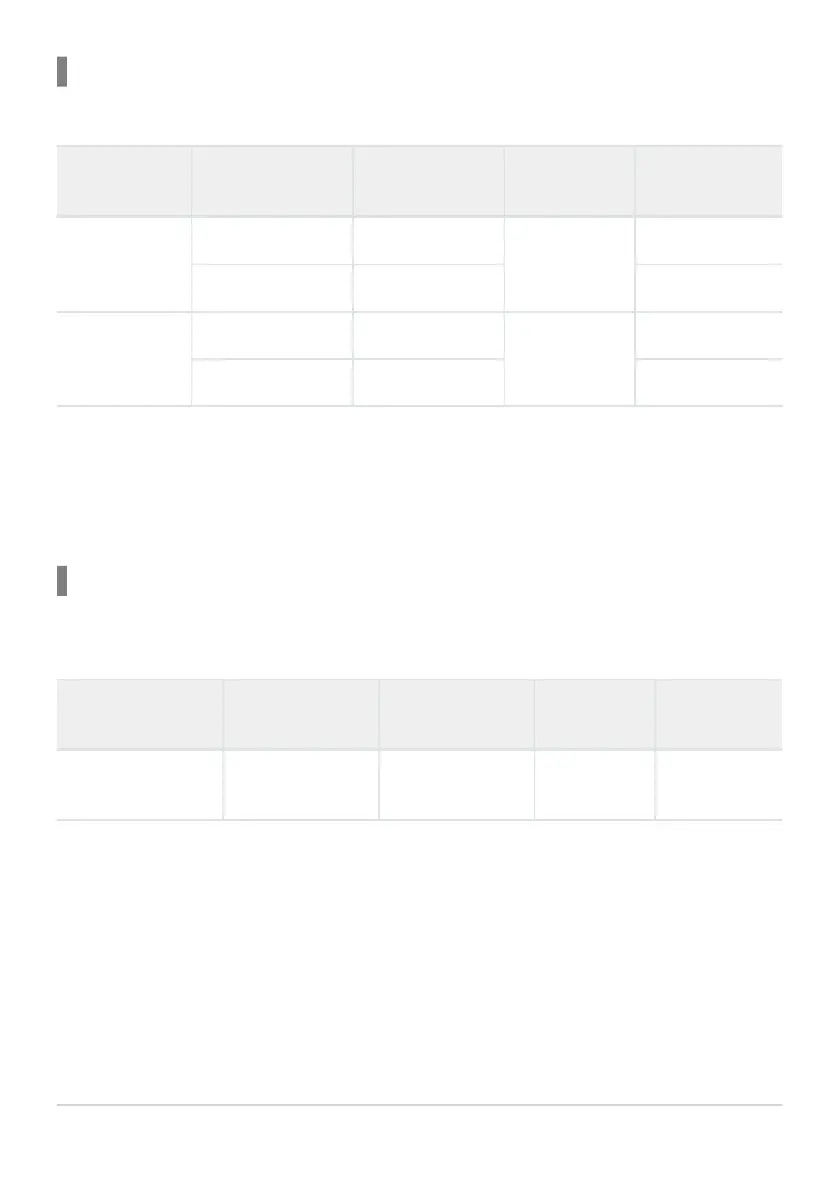
The red-eye reduction flash is set in [Reduce Red-eye] and the flash timing is set in [Synchro
Settings]. g[Flash Mode Settings] (P.183)
The range of available shutter speeds is 60s to 1/250s. The range of available shutter speeds can
be further restricted using the options in the menu. g[A X-Sync.] (P.186), [A Slow Limit] (P.187)
Flash Mode: Manual
This option appears only when the FL-LM3 is attached. This setting is available only in P/A/S/M/B
modes.
[Reduce Red-eye] [Synchro Settings]
Super control
panel display
Reduce Red-
eye
Flash timing
(regardless of
setting)
(regardless of
setting)
A Manual
No
Front-curtain
sync
In P/A/S/M modes, the range of available shutter speeds is 60s to 1/250s. The range of available
shutter speeds can be further restricted using the options in the menu. g[A X-Sync.] (P.186), [A
Slow Limit] (P.187)
You can select the amount of flash output by selecting [AManual] with the gYA button and
pressing the INFO button, or by selecting [Manual Value] from the super control panel.
181
Choosing a Flash Mode (Flash Mode)
1
B
B
B


 To Next Page
 Loading...




