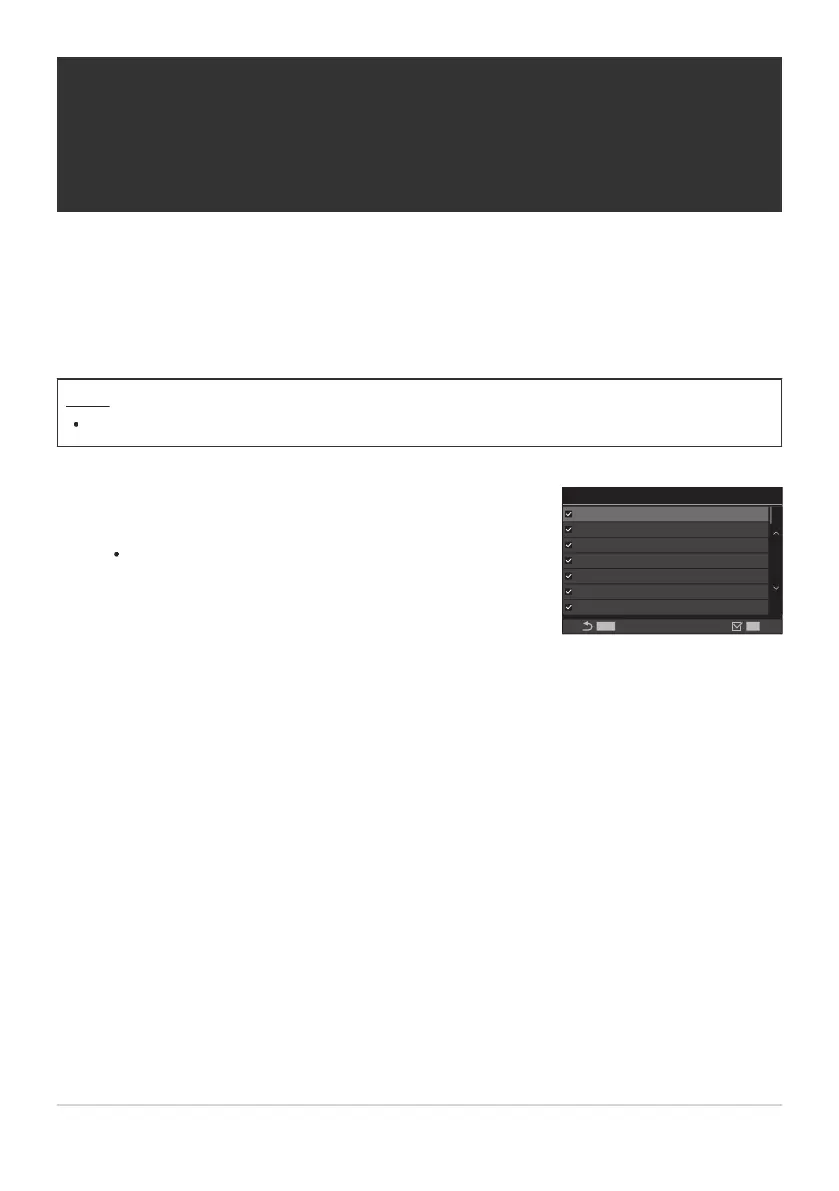
Select a picture mode that you want to have displayed, and put
a check (P) next to it.
Select an option using FG and press the OK button to
put a check (P) next to it. To remove the check, press the
OK button again.
K
Picture Mode Settings
MENU
OK
Vivid
Muted
Portrait
Monochrome
Custom
Underwater
i-Enhance
Picture Mode Settings screen
Choosing which options are displayed when
selecting a picture mode (KPicture Mode
Settings)
You can display only the options you need when selecting a picture mode.
For details on picture modes, see “Processing options (KPicture Mode / nPicture Mode)” (P.220).
Menu
MENU U a U 2. Picture Mode/WB U KPicture Mode Settings
227
Choosing which options are displayed when
selecting a picture mode (KPicture Mode
Settings)
B
1.


 To Next Page
 Loading...




