Symbols in this manual
The symbols below are used throughout this manual.
FGHI
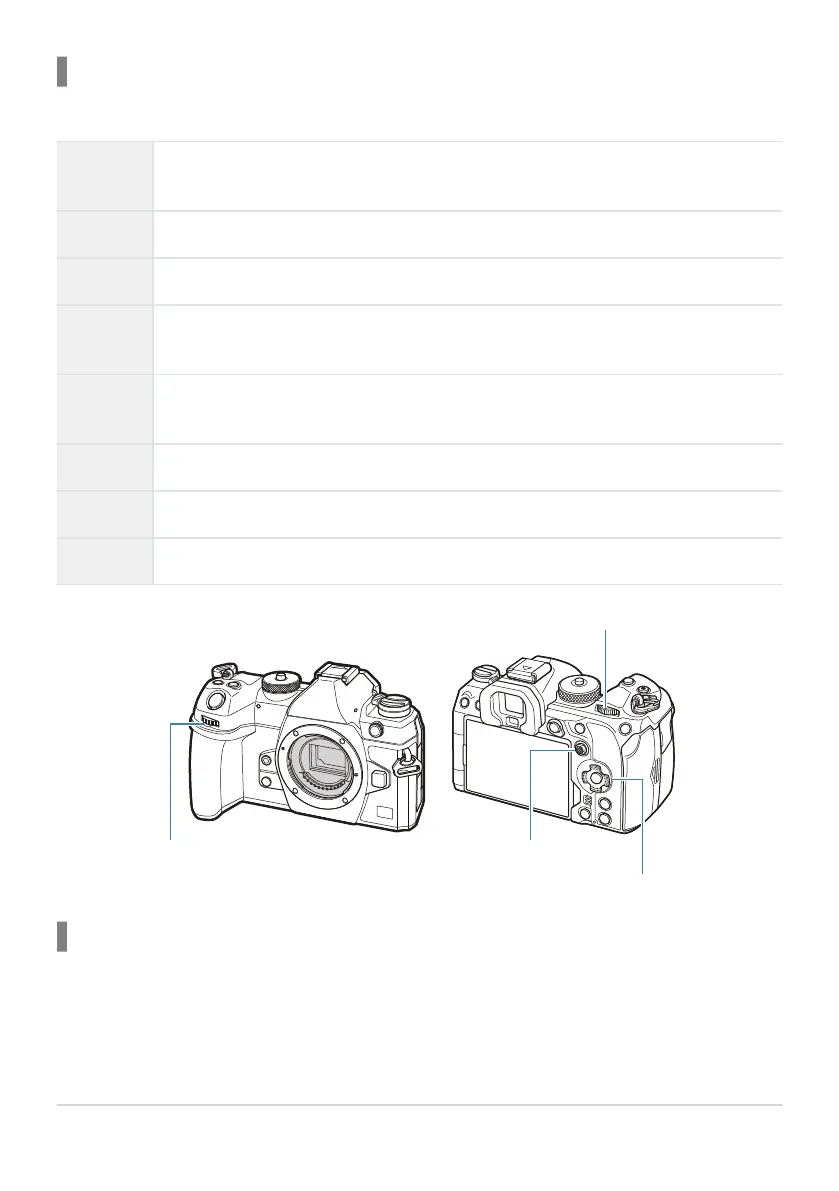
Indicates an operation performed by pressing the buttons (respectively the up, down,
left, and right arrow buttons) on the arrow pad (d).
l
Indicates an operation performed using the front dial (a).
i
Indicates an operation performed using the rear dial (b).
T
Indicates an operation performed by placing your finger lightly on the multi selector
(c) and tilting it in the desired direction.
U
Indicates an operation performed by pressing the center of the multi selector (c) like a
button.
C
Cautions and limitations.
B
Tips and other helpful information for using the camera.
g
References to other pages in this manual.
Screen illustrations in this manual
The camera monitor displays the super control panel (P.89) by default. The screen illustrations in this
manual, however, show the live view display.
To learn how to display the shooting display on the monitor, refer to “Switching between displays”
(P.47).
23
About This Manual


 To Next Page
 Loading...




